260 User’s Manual TOS93 Series
System Settings | Displaying and Changing CONFIG Settings
Operation when there is no SCPI communication (Watchdog)
The product switches to PROTECTION mode (p.23) when there is no SCPI communication over a given
time period.
Set the duration of time until the product decides that there is no SCPI
communication when watchdog is
enabled. You can also disable watchdog.
1
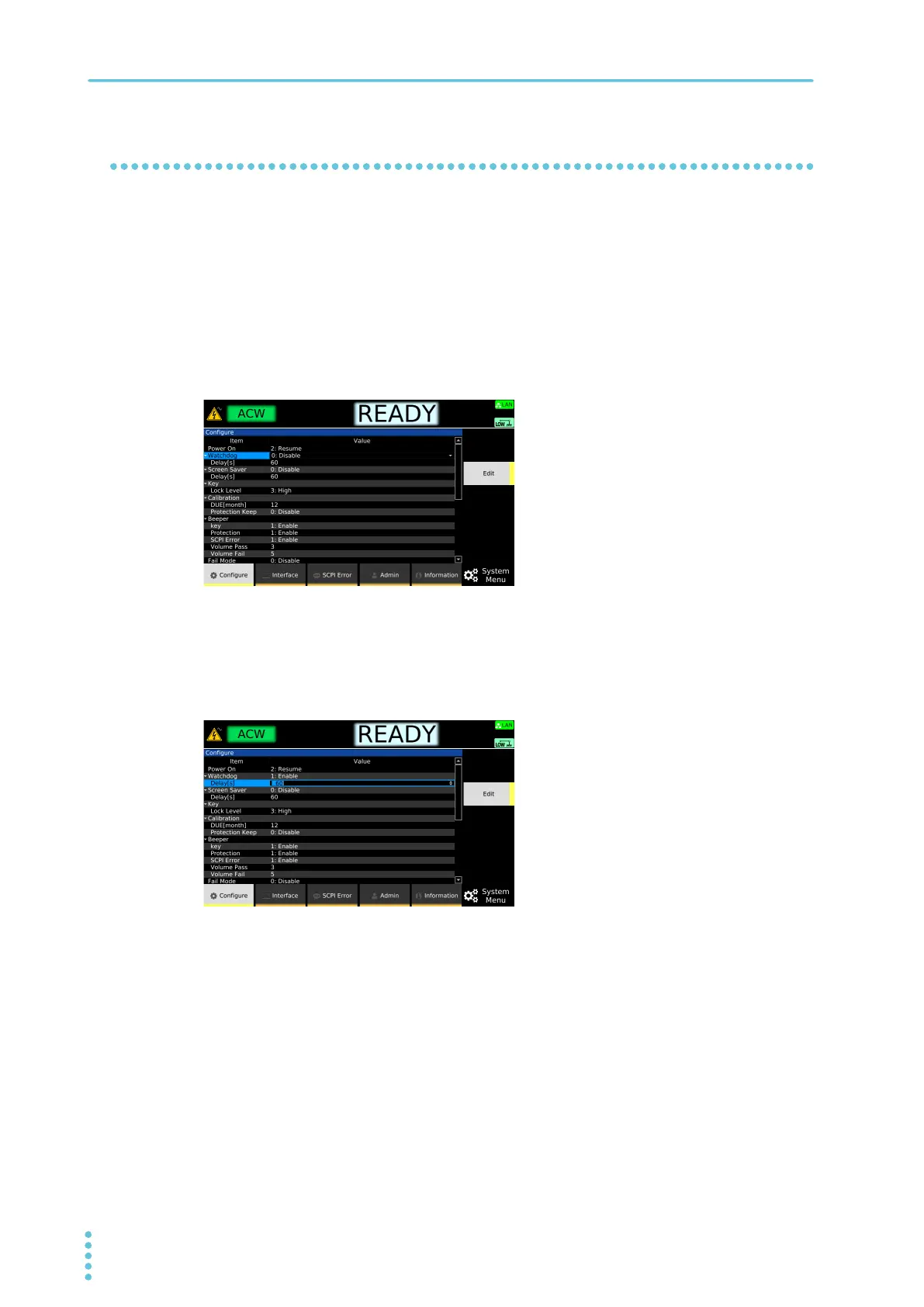
Press SYSTEM > Configure.
The CONFIG setup screen appears.
2
Use the rotary knob to select Watchdog, and then press Edit.
3
Use the rotary knob to select Enable or Disable, and then press ENTER.
Watchdog is set to enable or disable.
4
If set to Enable, use the rotary knob to select Delay under Watchdog, and then
press Edit.
5
Use the numeric keypad or the rotary knob to enter the duration of time until the
product decides that there is no SCPI communication, and then press ENTER.
Setting range: 1 s to 3 600 s
This completes the setting.



 To Next Page