TOS93 Series User’s Manual 251
Memory Function | Saving and Recalling Test Conditions
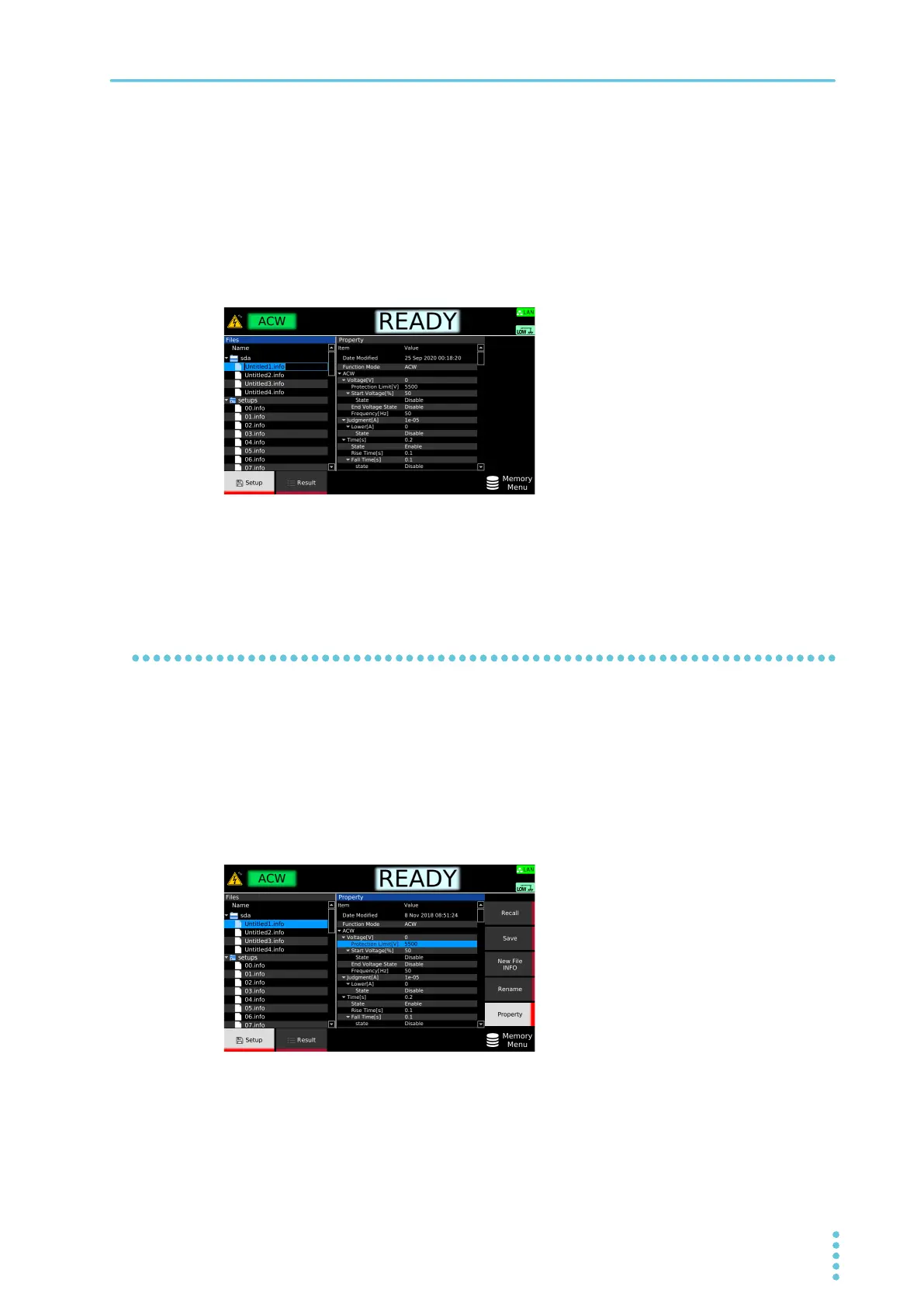
Changing the memory name (USB memory device only)
1
Press MEMORY > Setup.
2
Insert a USB memory device into the USB port on the front panel.
An “sdxx” folder is displayed. The “xx” changes depending on the USB memory device.
3
Use the rotary knob to select the setup memory, and press Rename.
4
Use the numeric keypad or the rotary knob to enter a file name of your choice, and
then press ENTER.
The memory name is saved.
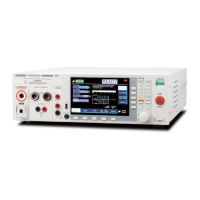
Checking the setup memory details
1
Press MEMORY > Setup.
2
Use the rotary knob to select the setup memory.
3
Press Property.
The detailed information of the setup memory is shown on the right side of the display. The
detailed information can be scrolled by using the rotary knob.
Press Property again to return to setup memory selection.



 To Next Page