178 User’s Manual TOS93 Series
Patient Leakage Current Test
Applicable models:
This chapter describes how to set test conditions, start tests, and view the results for patient leakage
current (Pati
ent) of leakage current (LC) tests.
The following flowchart shows the configuration and test steps.
Setting Test Conditions
This section describes the test conditions of patient leakage current (Patient) tests and how to set the
conditions.
Displaying the setup screen (Home menu)
1
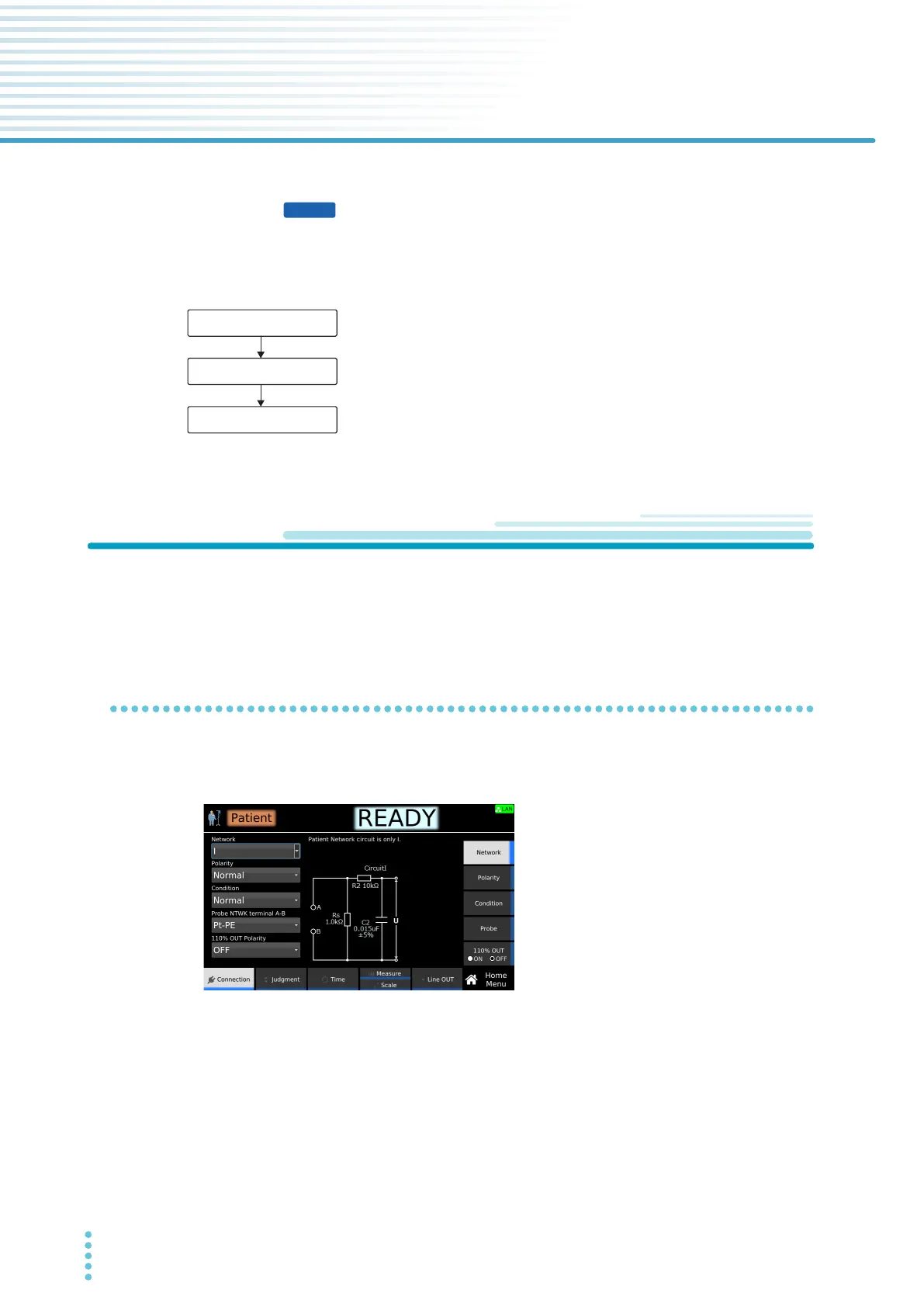
On the Function menu screen (p.46), press LC > Patient.
The setup screen (Home menu) for the Patient test conditions appears.
Set the required conditions by referring to the description of test conditions
(p.179).
Start a test.
Set test conditions.
Finish the test and judge.
(p.178)
(p.194)
(p.199)



 To Next Page