TOS93 Series User’s Manual 219
Auto Test | Program Configuration
Deleting a program
You can delete a program that you created with a name of your choice. Programs under “SIGNAL I/O”
cannot be deleted.
1
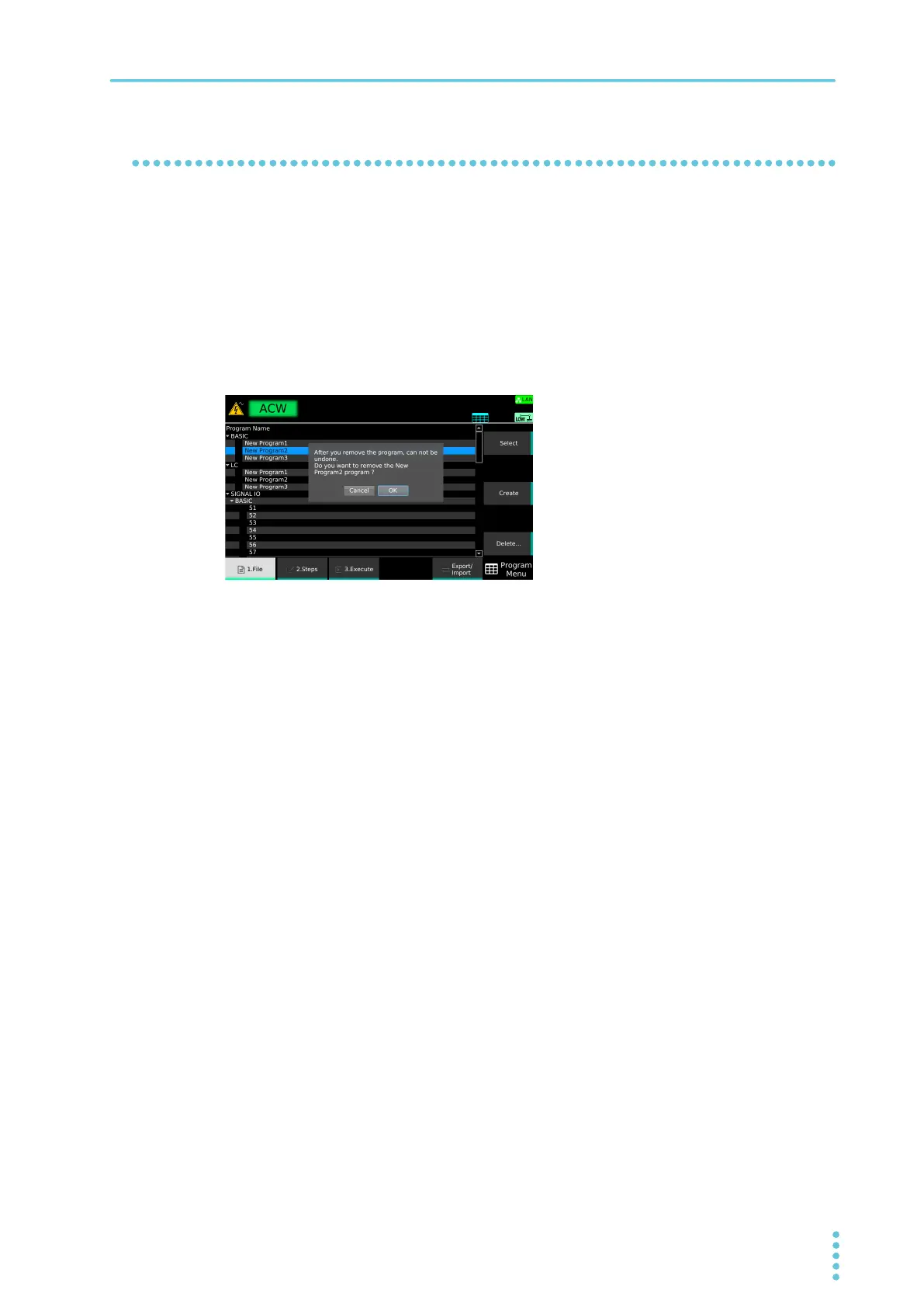
On the program editing screen, use the rotary knob to select the program in, and
press Delete.
If there is a check mark on another program, the Delete key will not appear. In this situation, use
the rotary knob to select the corresponding program, and then press Select to clear the check
box.
A confirmation dialog appears. To cancel, press ESCAPE.
2
Press ENTER.
The program is deleted.



 To Next Page