TOS93 Series User’s Manual 203
Meter Mode
Setting Measurement Conditions
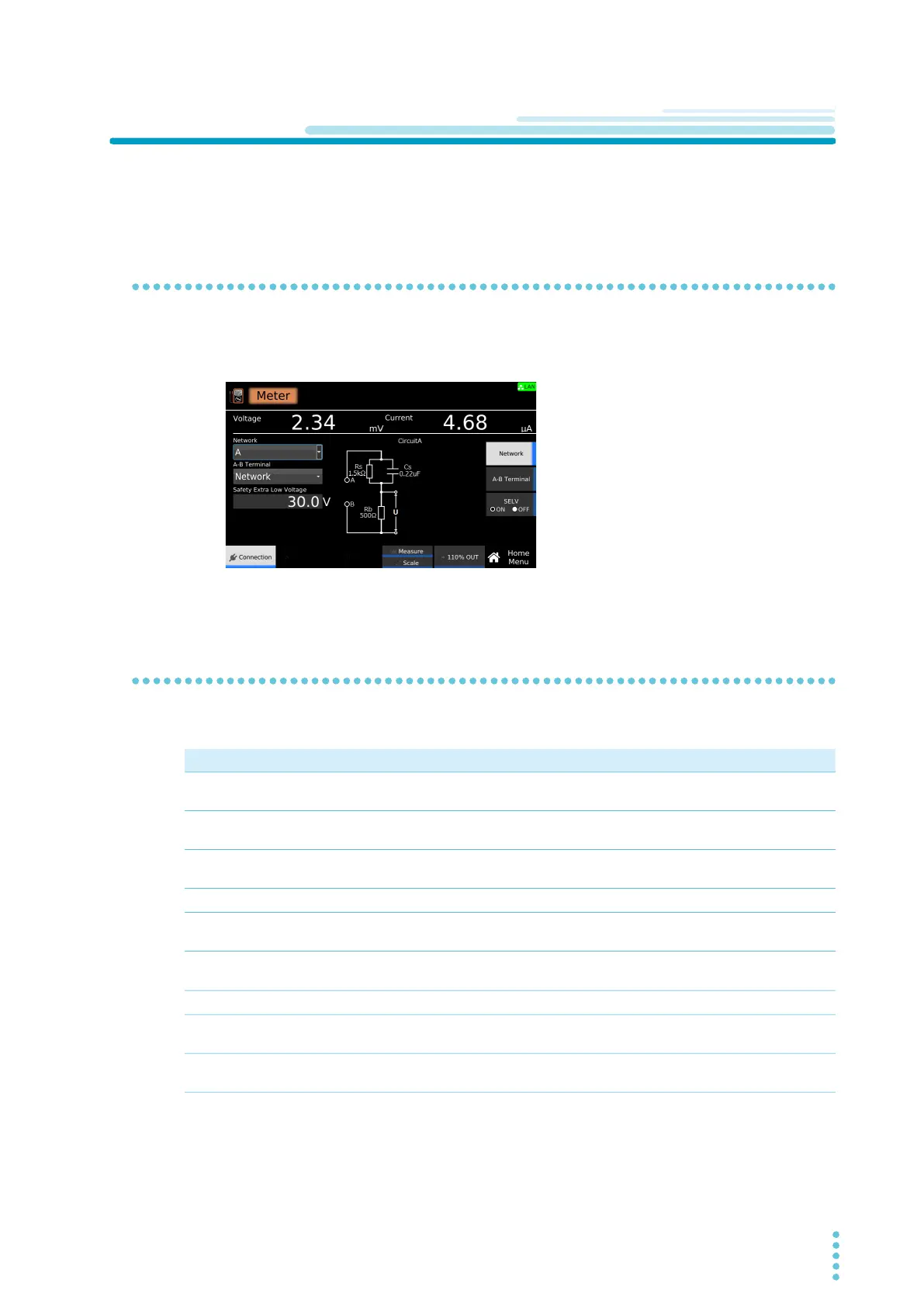
This section describes the test conditions of meter mode and how to set the conditions.
Displaying the setup screen (Home menu)
1
On the Function menu screen (p.46), press LC >Meter.
The setup screen (Home menu) for the meter measurement conditions appears.
Set the required conditions by referring to the description of measurement conditions
(p.203).
Overview of measurement conditions
You can set the following measurement conditions in meter mode.
Test condition Description See
Network Select the measurement circuit network to use for the
measurement.
p.204
Measuring across terminals A and B
(A-B Terminal)
Select whether to measure the touch voltage across
terminals A and B or the touch current.
p.205
SELV setting Set the SELV voltage. The DANGER LED lights when a value
exceeding the specified voltage is measured.
p.206
Measurement range Select the measurement range.
p.207
Measurement mode (Measure Mode) Current measurement mode. Select DC measurement, rms
measurement, or peak measurement.
p.208
Measurement check (Measure Check) Run a weak current across the A and B terminals, and check
the measurement circuit.
p.281
Offset Cancel currents that lead to errors.
p.209
Output from the 110% terminal (110%
OUT)
Apply from the 110% terminal to the EUT the voltage applied
to the AC LINE IN inlet.
p.210
Polarity of the 110% output Select the polarity of the voltage applied from the 110%
terminal.
p.211



 To Next Page