206 User’s Manual TOS93 Series
Meter Mode | Setting Measurement Conditions
SELV setting
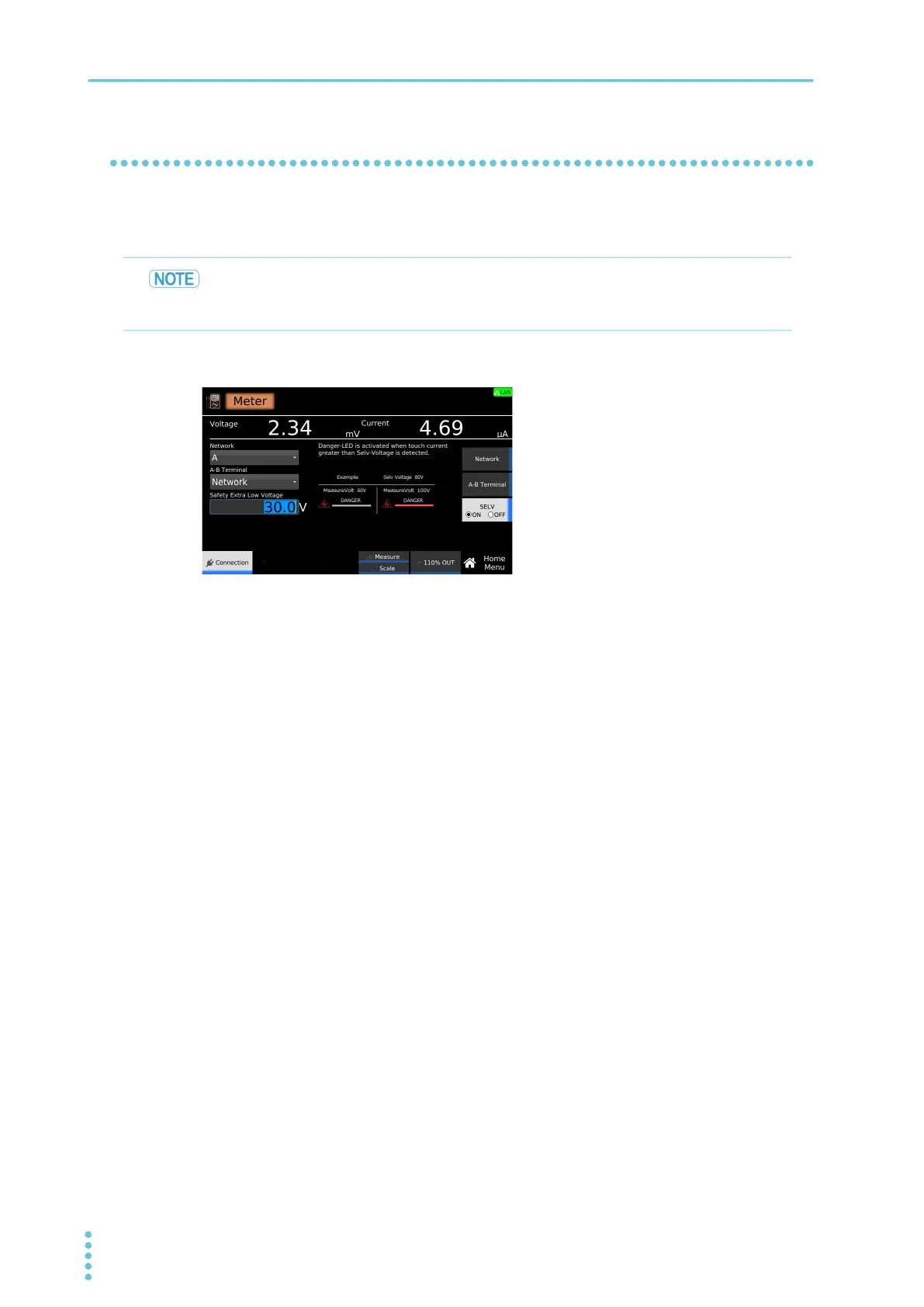
If SELV is set to on, the DANGER LED lights when a value exceeding the specified voltage is measured.
This is valid when Measuring across terminals A an
d B (A-B Terminal) (p.205) is set to VoltMeter.
1
On the Home menu screen, press Connection > SELV.
2
Press SELV to switch between on and off.
SELV switches between on and off each time you press the key.
3
If you select on, use the numeric keypad or the rotary knob to enter the voltage.
Setting range: 10.0 V to 99.9 V
This completes the setting.
SELV stands for safety extra low voltage. It is assumed that when the voltage is less than or
equal to SELV, there is no risk of electric shock. The definition and value of SELV vary
depending on the standard.



 To Next Page