68 User’s Manual TOS93 Series
Withstanding Voltage and Insulation Resistance Tests | Setting Test Conditions
Discharge time
This can be set only in DC withstanding voltage (DCW) and insulation resistance (IR) tests.
During a test, the EUT,
test leads, test probes, output terminals, and other peripheral components are
charged to a high voltage. Set the time for discharging the voltage remaining in the high voltage charge
area after the test ends. If voltage remains even after the set discharge time elapses, discharge continues
until the voltage reaches 30
V.
In DCW tests, discharge starts after Voltage fall time (p.67) is finished. If Fall Time is set to off and a fail
judgment occurs or the S
TOP
switch is pressed during the test, discharge starts immediately without
transitioning to Fall Time.
Estimated discharge time
The time required to discharge the built-up electrical charge varies according to the test voltage and the
properties of the EUT.
The time that this product requires to discharge the voltage from its internal capacitors down to 30 V is
as
follows:
• When an EUT is not connected: 16 ms
for a DCW test, 1.5 ms for an IR test
• When an EUT with a input capacitance of 0.05 μF
is connected: 50 ms for a DCW test, 6 ms for an IR
test
Setup procedure
1
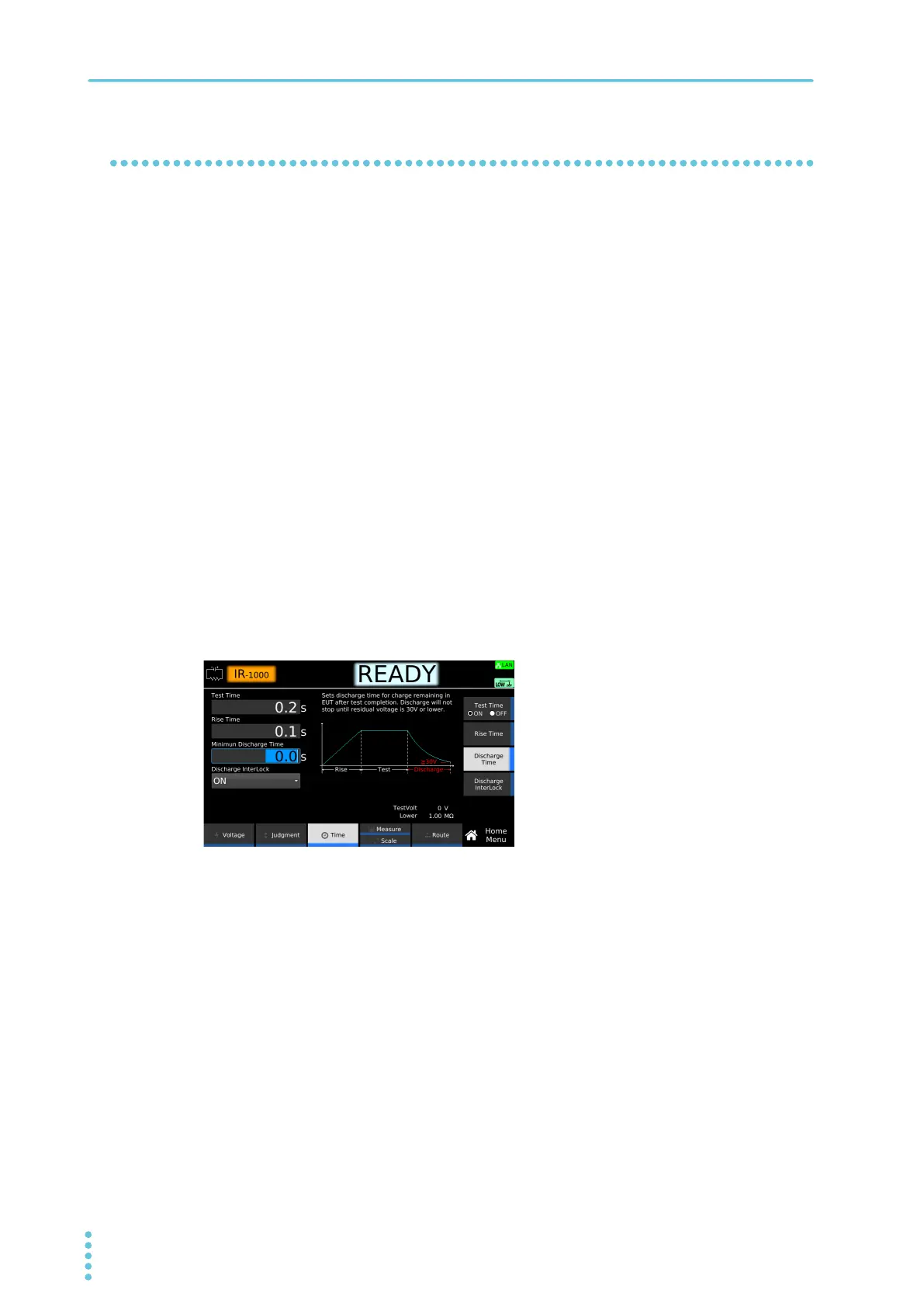
On the Home menu screen, press Time > Discharge Time.
2
Use the numeric keypad or the rotary knob to enter the time.
Setting range: 0.0 s to 100.0 s
This completes the setting.
Example: Home menu screen of IR



 To Next Page