TOS93 Series User’s Manual 209
Meter Mode | Setting Measurement Conditions
Offset
Even when the EUT is not running, a certain amount of current may be measured depending on the wiring
environment or the like. If Offset is set to on, such currents, which lead to errors, can be canceled.
1
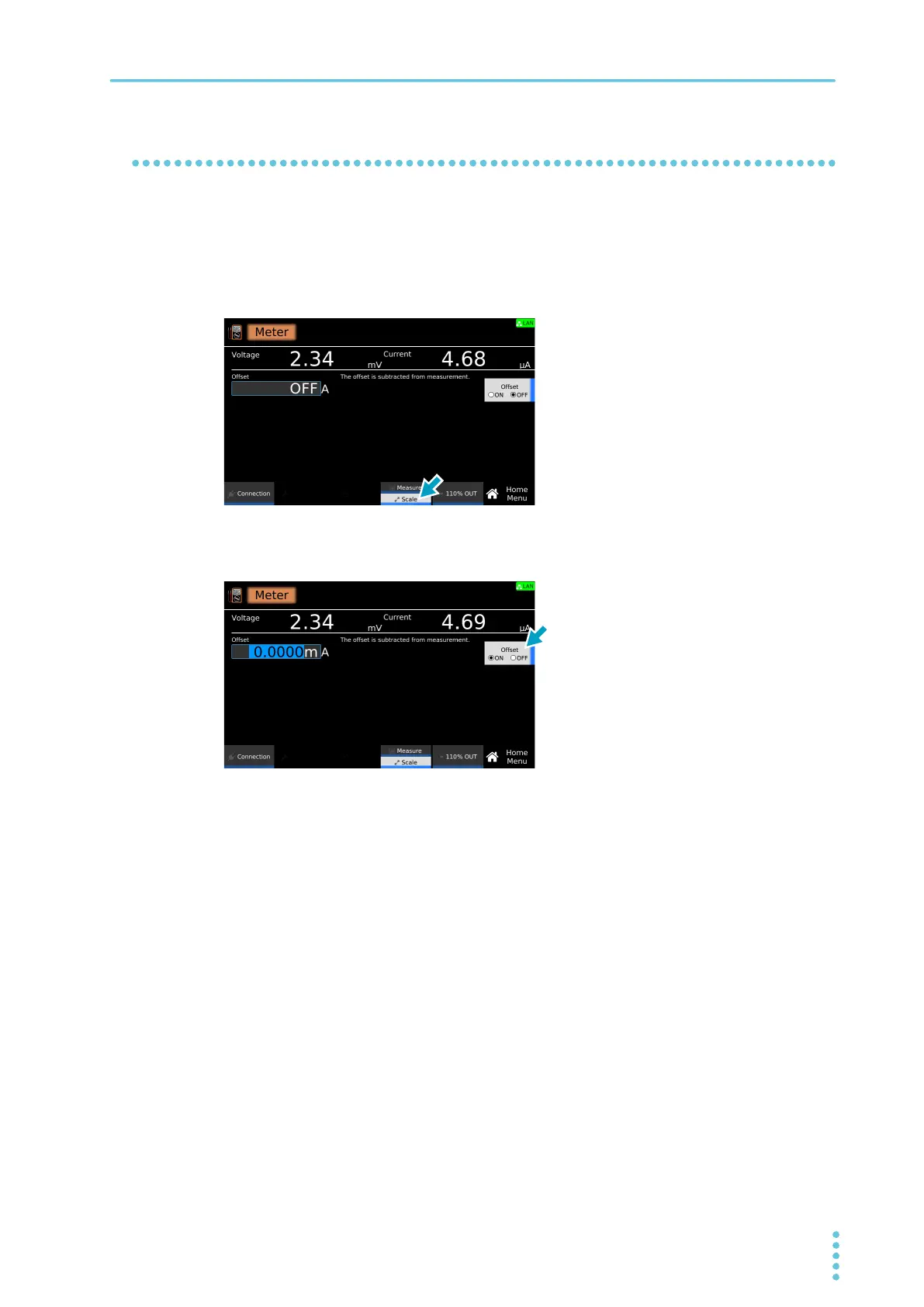
On the Home menu screen, press Scale repeatedly until Scale is selected.
Each time you press the key, the setting changes between Measure and Scale.
2
Press Offset to switch between on and off.
Offset switches between on and off each time you press the key.
3
If you select on, use the numeric keypad or the rotary knob to enter the current.
For the setting range, see the measurement range (p.301) in the specifications.
This completes the setting.



 To Next Page