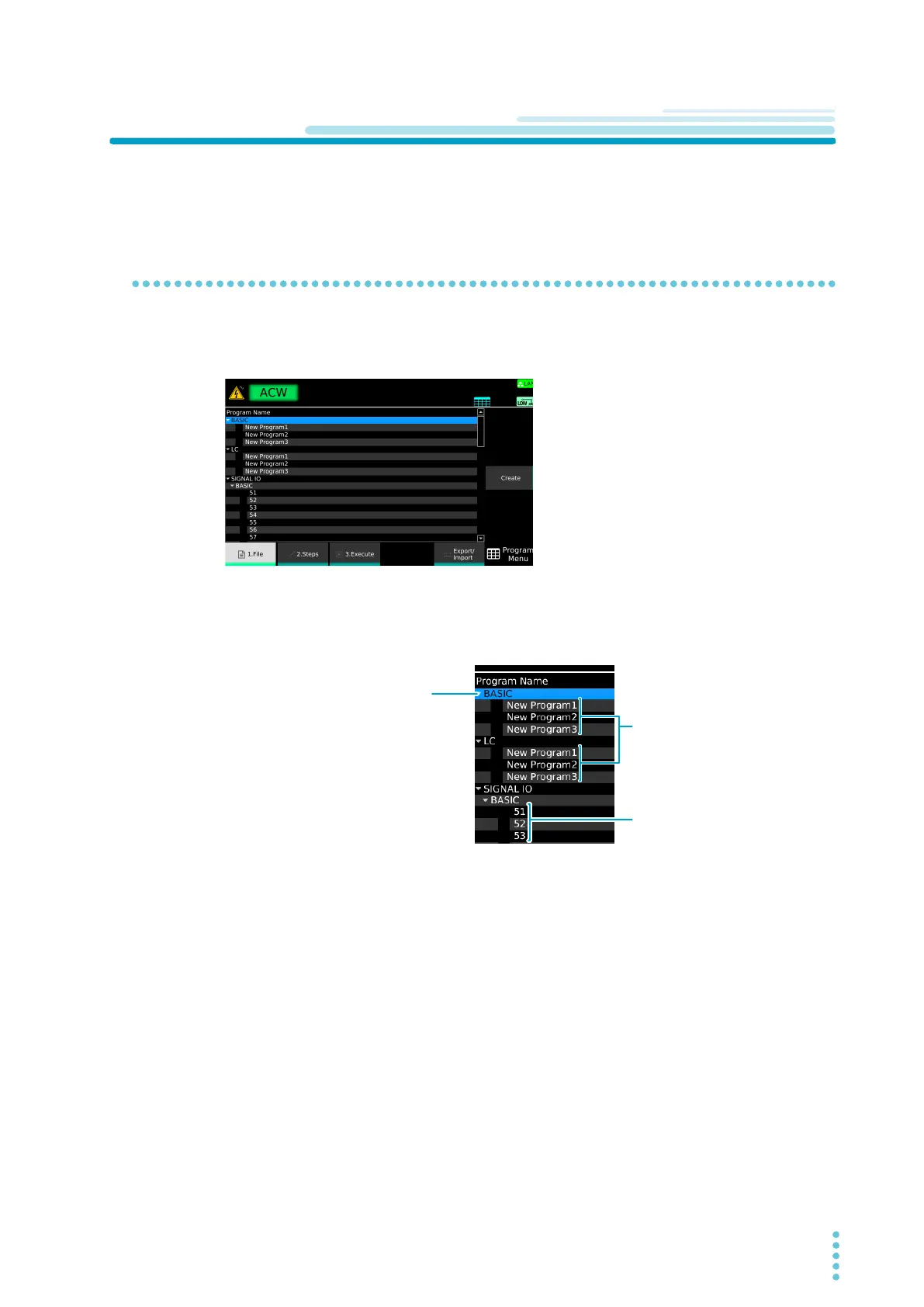
Use the rotary knob to select the item.
Press arrow (→) key to open the lower level.
Press arrow (←) to close the lower level.
Use the rotary knob to select the item.
Press arrow (→) key to open the lower level.
Press arrow (←) to close the lower level.
Program that can be recalled
through external control (program
memory)
Program that can be recalled
through external control (program
memory)
A program created with a name of
your choice
A program created with a name of
your choice
BASIC: Program other than LC
LC: LC program
(TOS9303LC only)
BASIC: Program other than LC
LC: LC program
(TOS9303LC only)



 To Next Page