TOS93 Series User’s Manual 205
Meter Mode | Setting Measurement Conditions
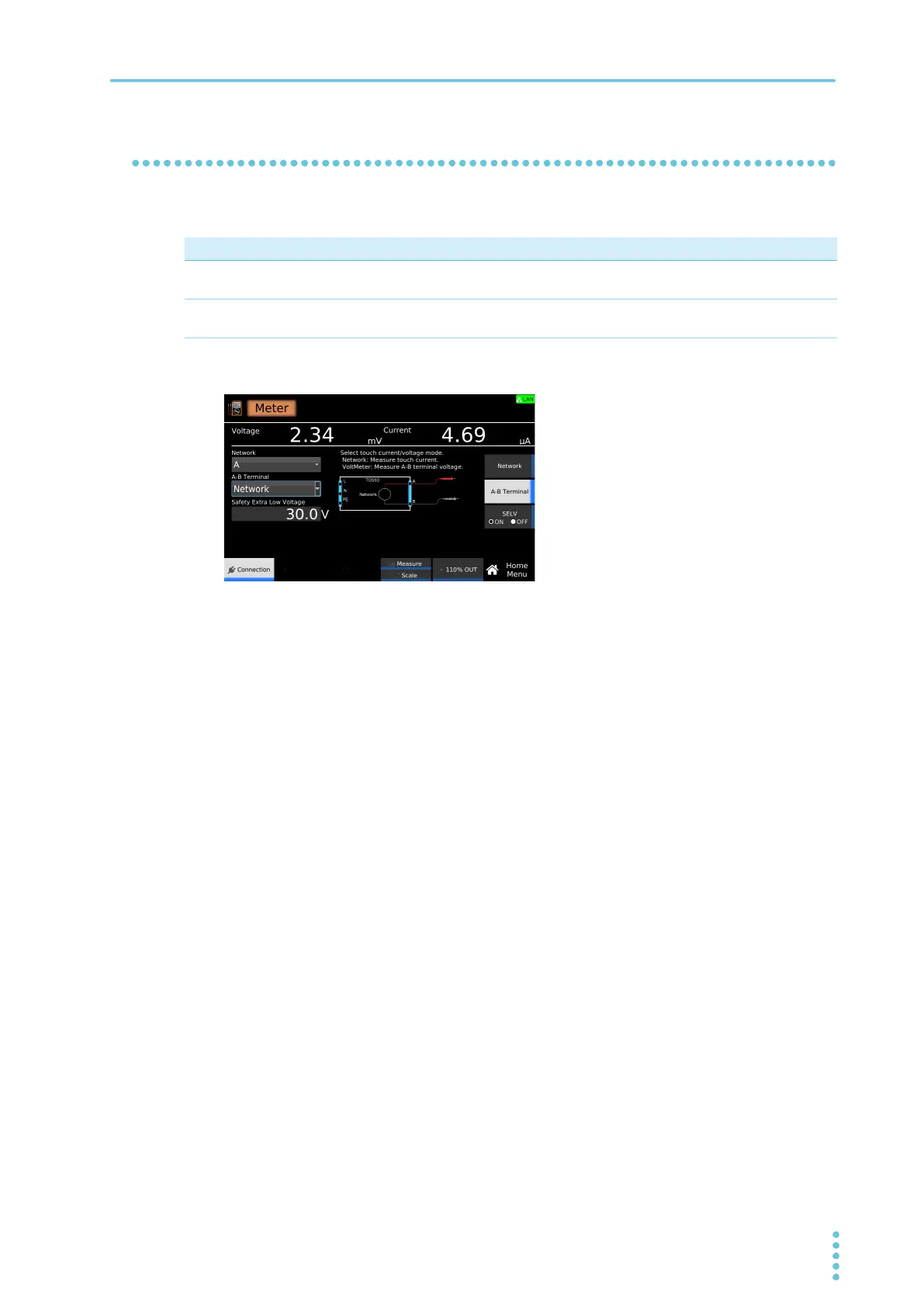
Measuring across terminals A and B (A-B Terminal)
Select whether to measure the touch voltage across terminals A and B or the touch current.
1
On the Home menu screen, press Connection > A-B Terminal.
2
Turn the rotary knob to change the value.
This completes the setting.
Value Description
Network Measures the touch current across terminals A and B. The network set in Network (p.204)
is used.
VoltMeter Measures the touch voltage across terminals A and B. The DANGER LED lights when a
voltage exceeding the SELV setting (p.206) is measured.



 To Next Page