256 User’s Manual TOS93 Series
Memory Function
Viewing and Saving Test Data
You can save and view the values and the captured image of the most recent test. They are deleted when
the power is turned off.
Viewing test data
1
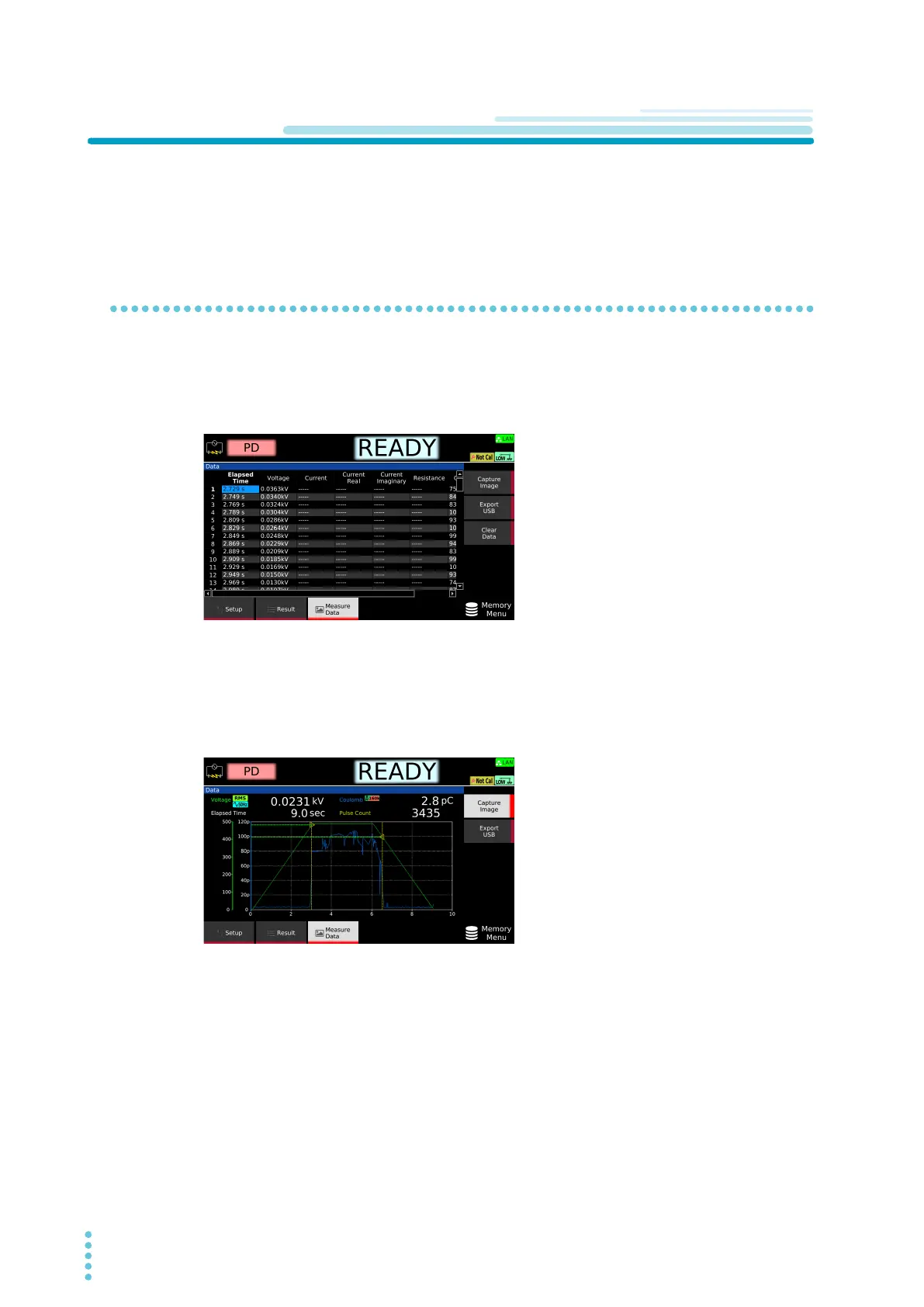
Press MEMORY > Measure Data.
Displays the values of the most recent test results.
Use the rotary knob and arrow (
←/→) keys to move between the items you want to view.
2
Press Capture Image.
The captured image of the most recent test appears.
The screen switches between the list of test values and the captured image each time you press
Capt
ure Image.



 To Next Page