TOS93 Series User’s Manual 27
Installation | Checking Whether the Power Is On or Off
Turning the power on
By factory default, the panel settings immediately before the POWER switch is turned off are saved. When
you turn the power on, the product starts in the same state as it was in the last time it was turned off.
(However, the output is off.)
The panel setting state at startup can be changed (p.259).
1
Check that the power cord is connected properly.
2
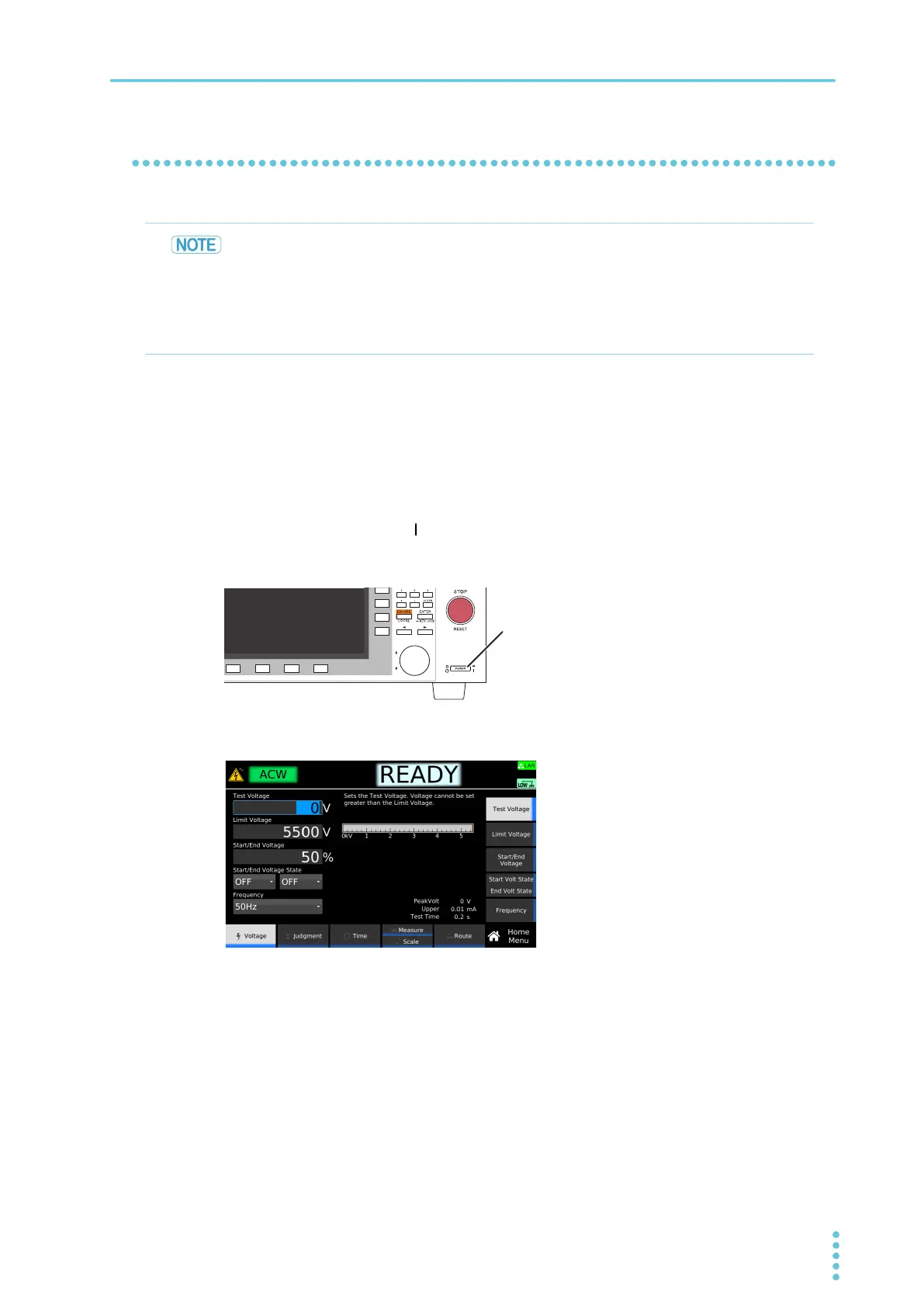
Turn the POWER switch ( ) on.
The DANGER LED lights, but no voltage is generated. If it does not, stop using the product, and
contact your Kikusui agent or distributor.
After the startup screen is displayed, the home screen of the test that was in use before the power
was
turned off the last time appears.
The power is now on.
• When the power is turned on for the first time after purchase, the interlock function sets
the product in PROTECTION mode and prevents tests from being performed. Temporarily
connect the included SIGNAL I/O plug to the SIGNAL I/O connector to release the
PROTECTION mode
(p.239).
• When you actually perform tests, design a system that uses the interlock for safety
(p.240).



 To Next Page