TOS93 Series User’s Manual 207
Meter Mode | Setting Measurement Conditions
Measurement range
Set the measurement range.
1
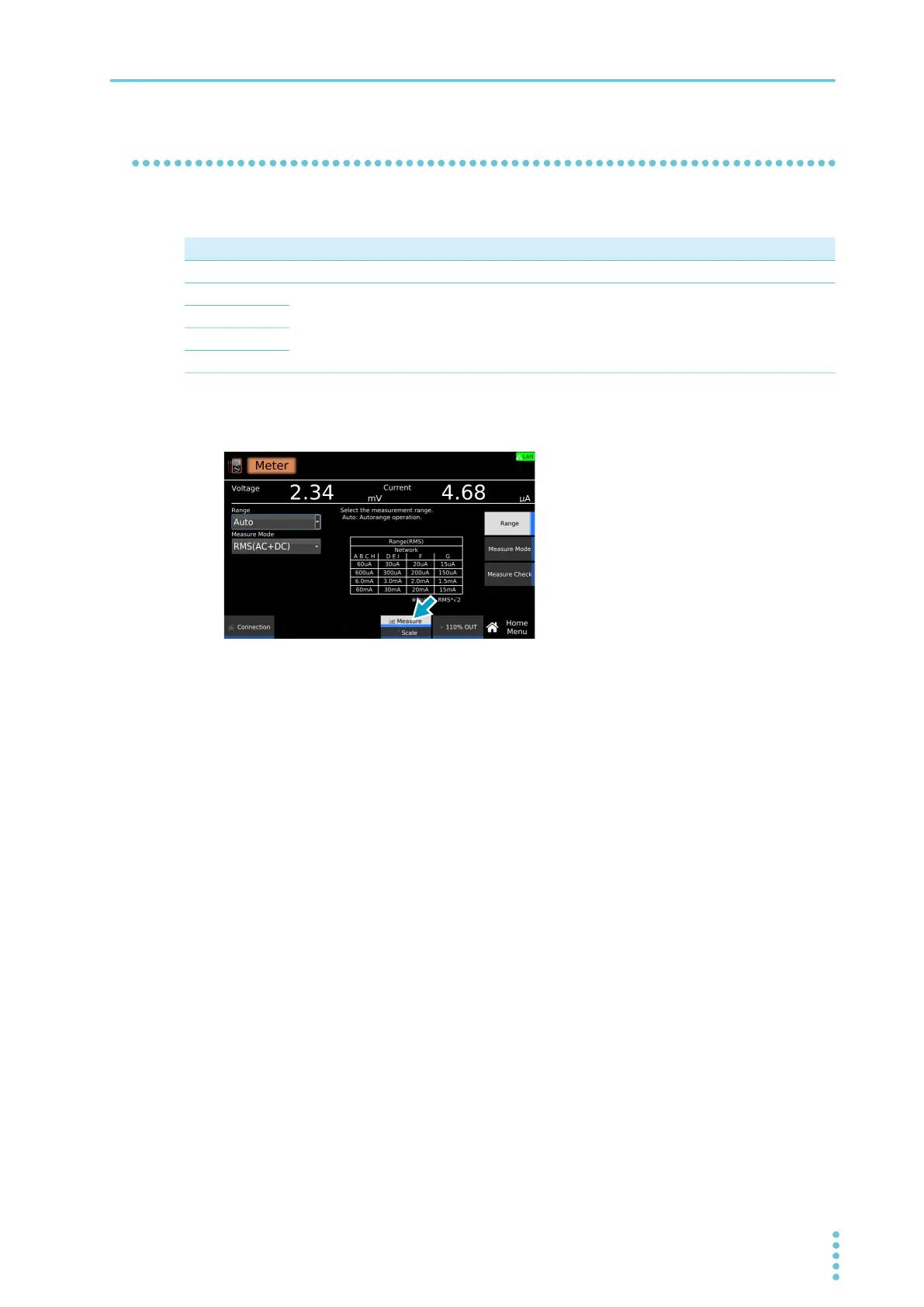
On the Home menu screen, press Measure repeatedly until Measure is selected.
Each time you press the key, the setting changes between Measure and Scale.
2
Press Range, and then turn the rotary knob to change the value.
This completes the setting.
Value Description
Auto Switches the range automatically according to the measured values.
60μA Fixes the measurement range.
600μA
6mA
60mA



 To Next Page