TOS93 Series User’s Manual 211
Meter Mode | Setting Measurement Conditions
Polarity of the 110% output
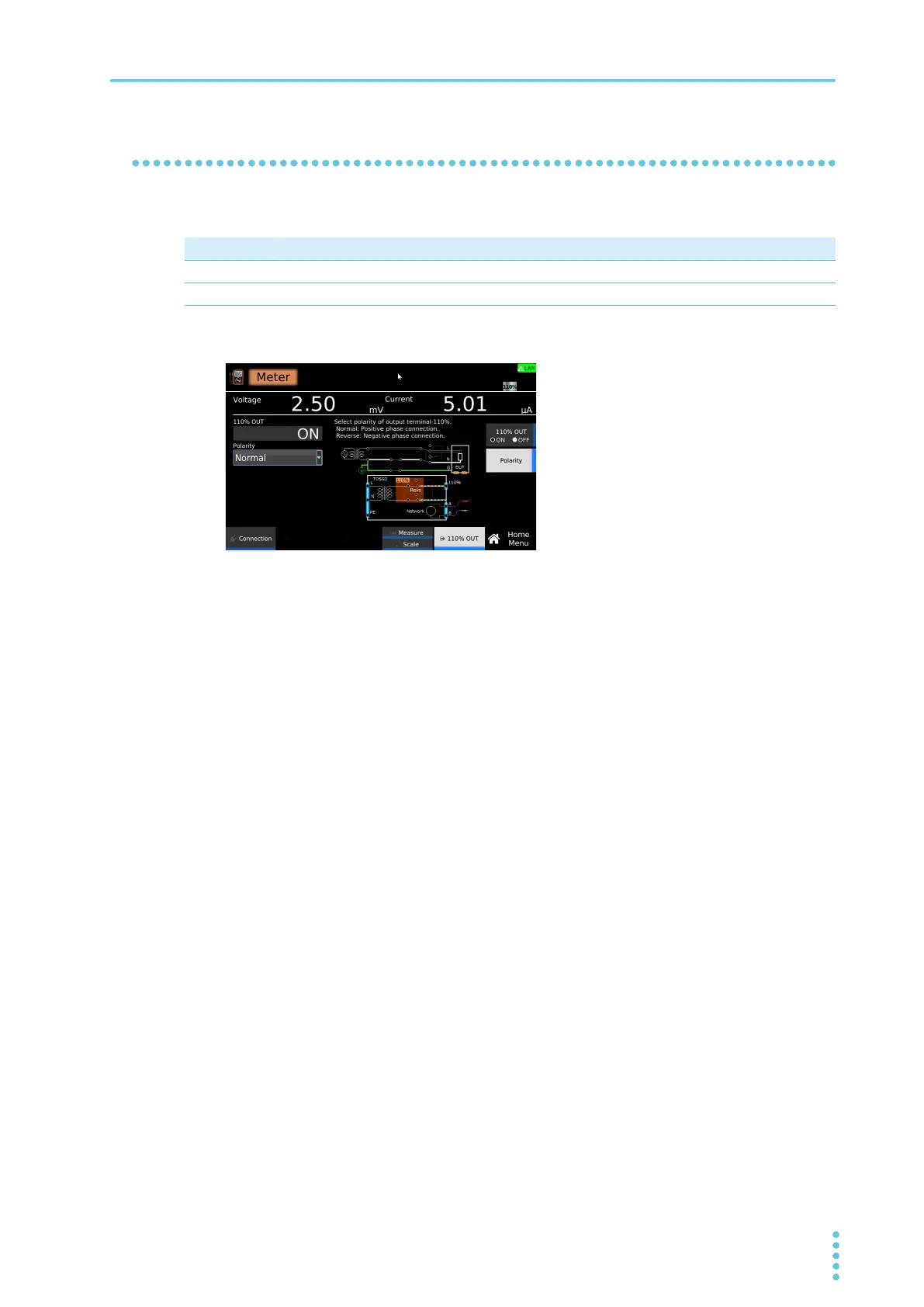
If you set 110% OUT to on (p.210), set the polarity of the voltage applied from the 110% terminal.
1
On the Home menu screen, press 110% OUT > Polarity.
2
Turn the rotary knob to change the value.
This completes the setting.
Value Description
Normal The voltage applied from the 110 % terminal is set to positive polarity.
Reverse The voltage applied from the 110 % terminal is set to negative polarity.



 To Next Page