TOS93 Series User’s Manual 81
Withstanding Voltage and Insulation Resistance Tests | Setting Test Conditions
Opening the scanner (All Open)
Use this function when the TOS9320 high voltage scanner option (p.330) is connected.
You can set all channels of the scanner to open.
1
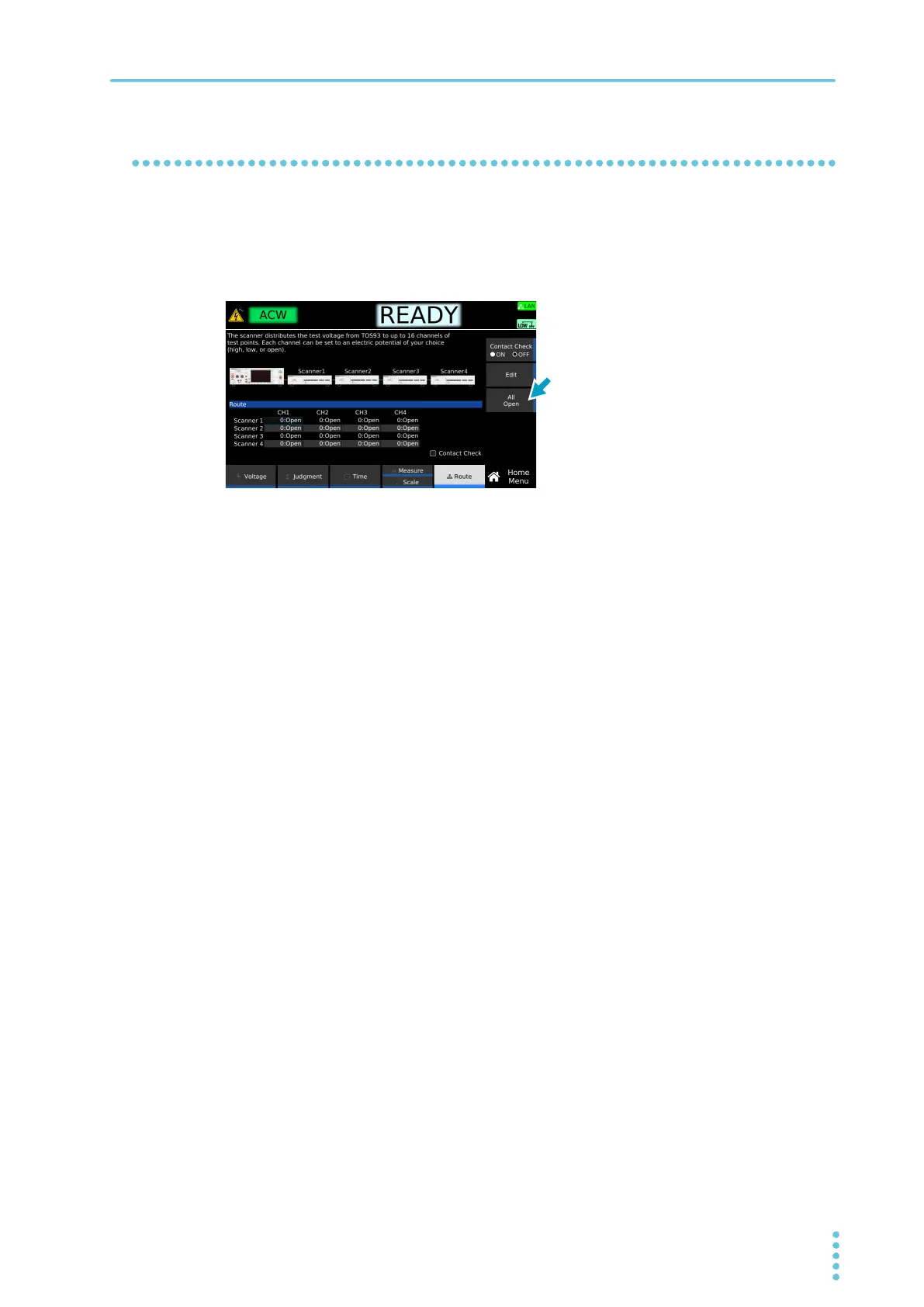
On the Home menu screen, press Route > All Open.
This completes the setting.
Example: Home menu screen of ACW



 To Next Page