220 User’s Manual TOS93 Series
Auto Test
Setting Steps
This chapter explains how to edit steps.
Displaying the step editing screen
1
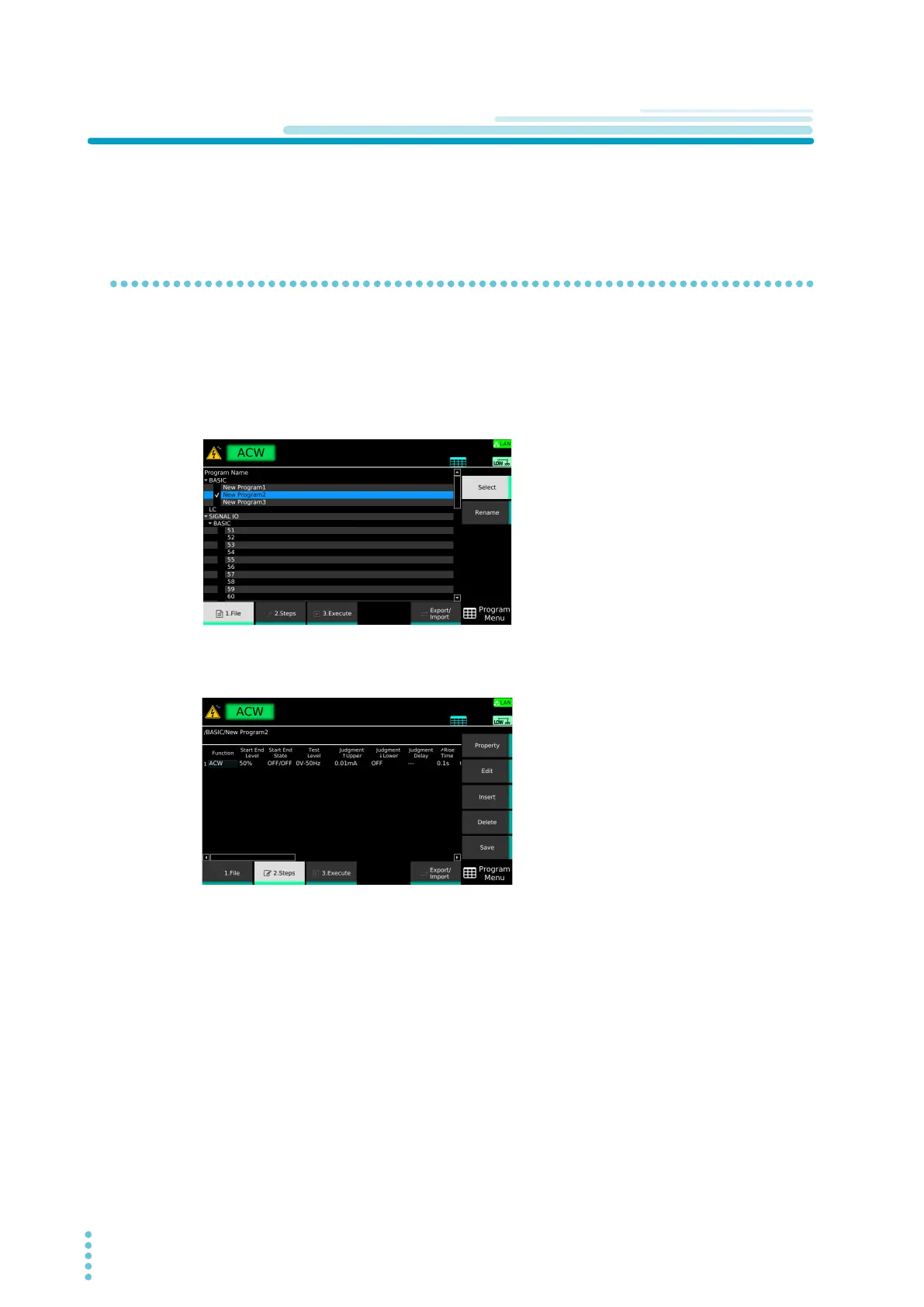
Press AUTO > 1.File.
The program editing screen appears.
2
Use the rotary knob to select the program, and then press Select.
A check mark appears to the left of the selected program name.
3
Press 2.Steps.
The step editing screen appears.



 To Next Page