TOS93 Series User’s Manual 261
System Settings | Displaying and Changing CONFIG Settings
Screen saver
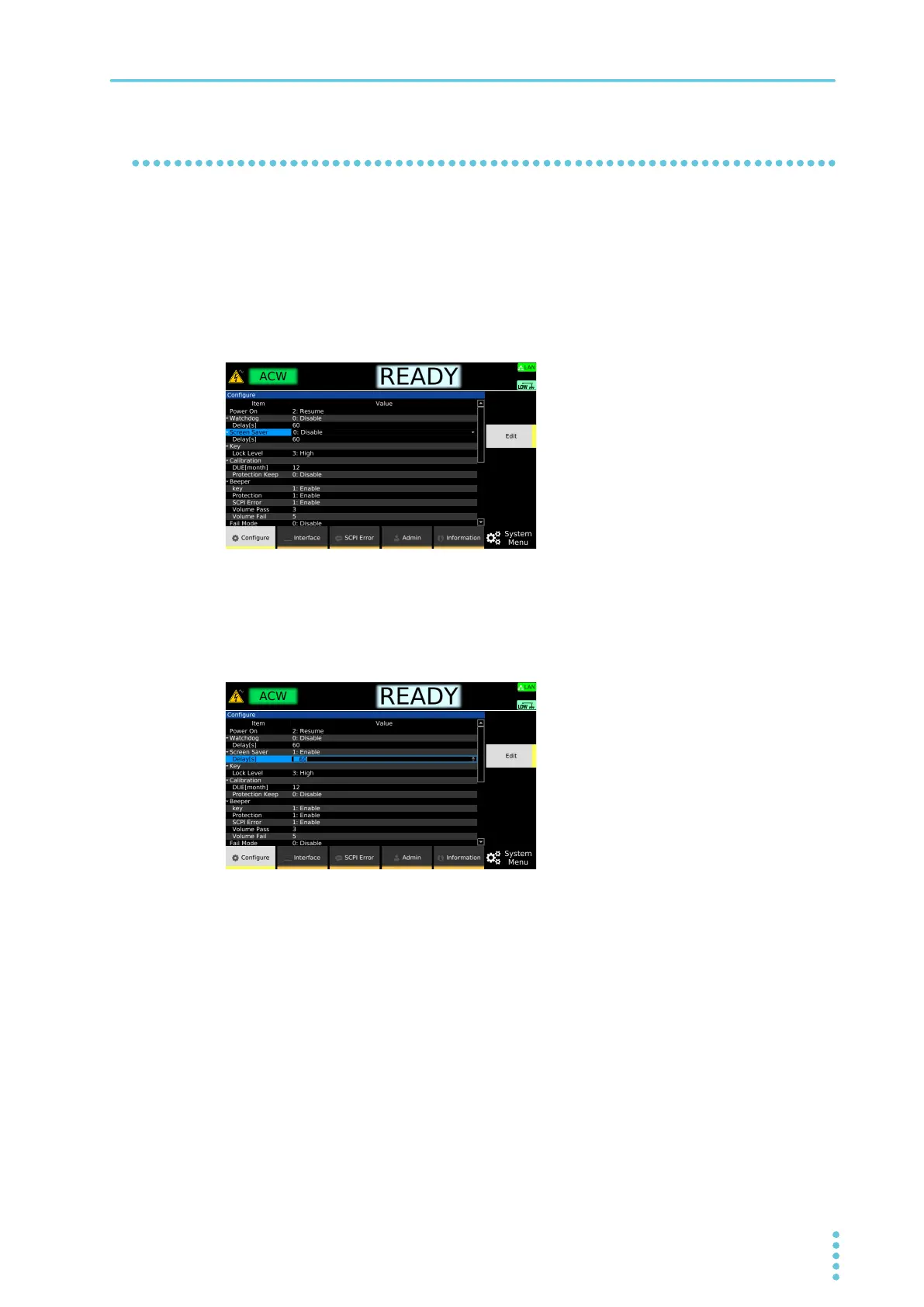
The display dims when there is no panel activity for a specified length of time.
If screen saver is enabled, set the time until the screen saver starts. You can also disable the screen saver.
1
Press SYSTEM > Configure.
The CONFIG setup screen appears.
2
Use the rotary knob to select Screen Saver, and then press Edit.
3
Use the rotary knob to select Enable or Disable, and then press ENTER.
Screen saver is set to enable or disable.
4
If set to Enable, use the rotary knob to select Delay under Screen Saver, and then
press Edit.
5
Use the numeric keypad or the rotary knob to set the time until the screen saver is
activated, and press ENTER.
60 s to 59 940 s (after setting, rounded to nearest second unit)
This completes the setting.



 To Next Page