Setting Scan Transmission Function (Environment Setup) (continued)
10-49
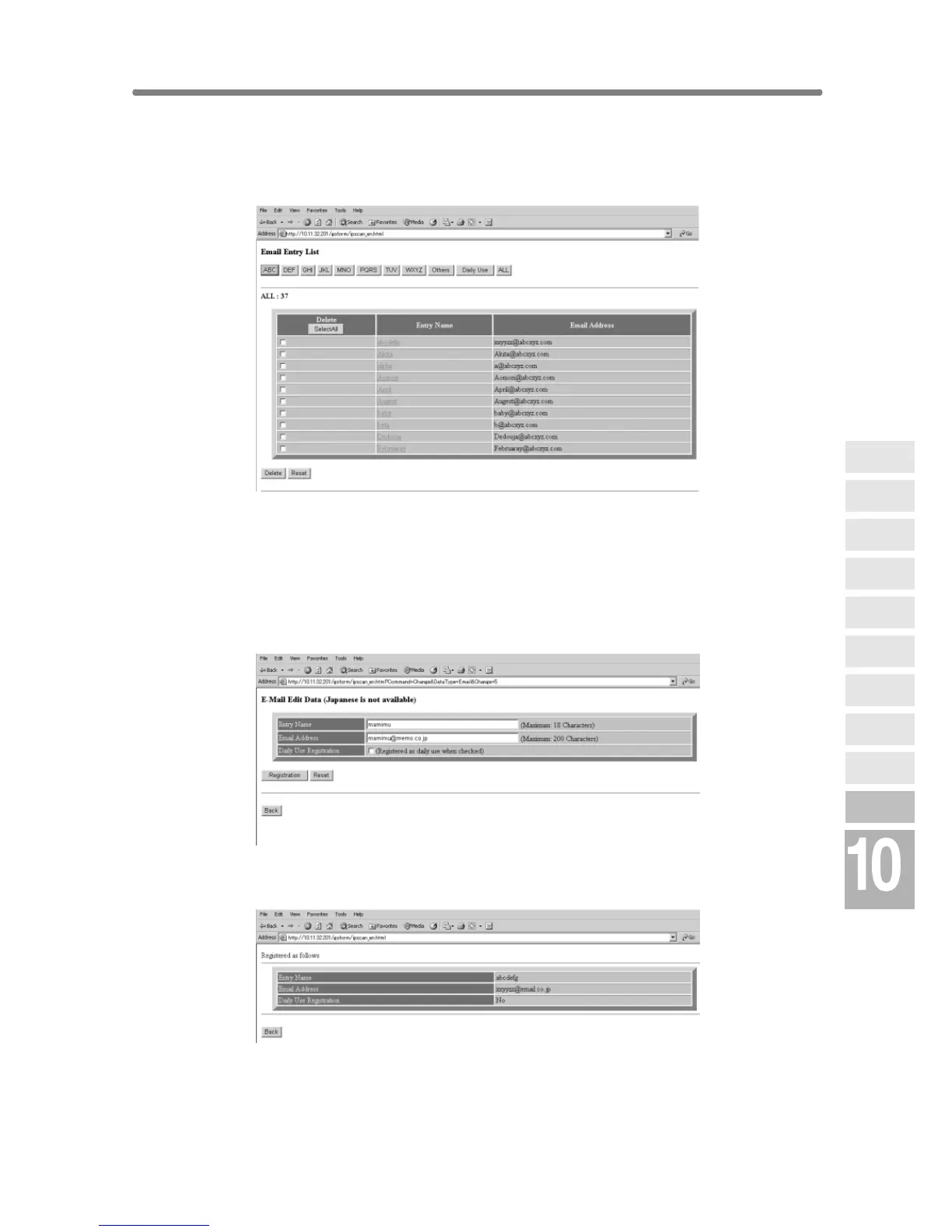
5. Display the Entry List.
Click on [Entry List] of the desired item under the entry box to display the
Entry List.
Click on [Back] to return to the Scan Transmission Setting window.
6. Change the registered contents.
Display the Entry List of the desired item as described in step 5.
Click on the entry name to be changed.
The window for changing the selected item will be displayed.
Change the contents as desired, then click on [Registration].
The registered content will be displayed.
Click on [Back] to return to the Scan Transmission Setting window.
Network
Function
Job Status
Machine
Information
HDD Job
Information
Environment
Setup
To Use Web
Utilities
Image Edit
Image Recall
Image
Store&Output
Image
Store/Delete
Server
Functions











 To Next Page