Setting Scan Transmission Function (Environment Setup) (continued)
10-50
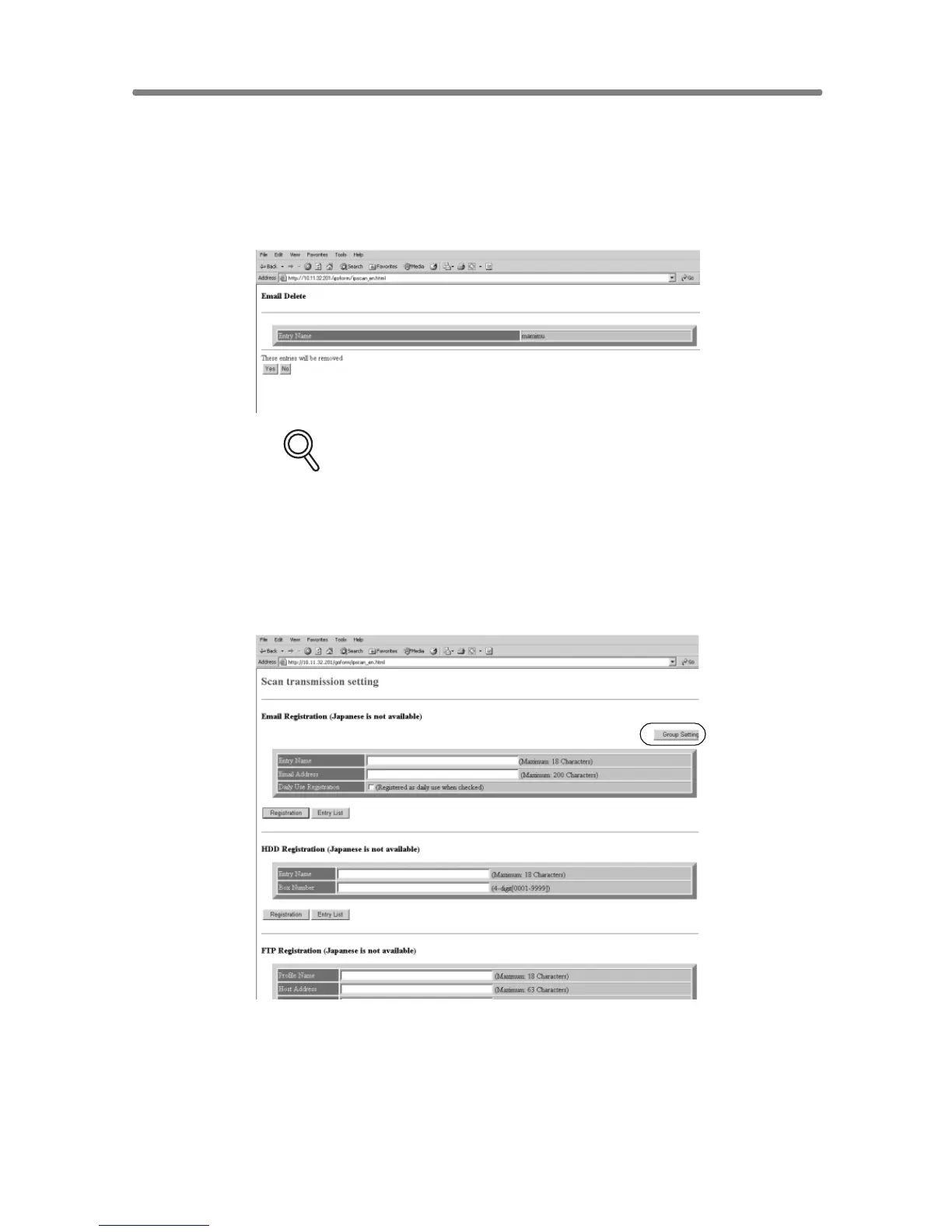
7. Delete the registered contents.
Display the Entry List of the desired item as described in step 5.
Click on the check box in the “Delete” column of the item to be deleted, then
click on [Delete].
The window for deleting the selected item will be displayed.
DETAILS
Click on the check box again to release the selection.
Confirm the registered name to be deleted, then click on [Yes ].
Click on [Back] to return to the Scan Transmission Setting window.
8. To use grouping function, display the Group Setting window.
Click on [Group Setting] on the Scan Transmission Setting window.
The Group Setting window will be displayed.










 To Next Page