214323 179 Revision B
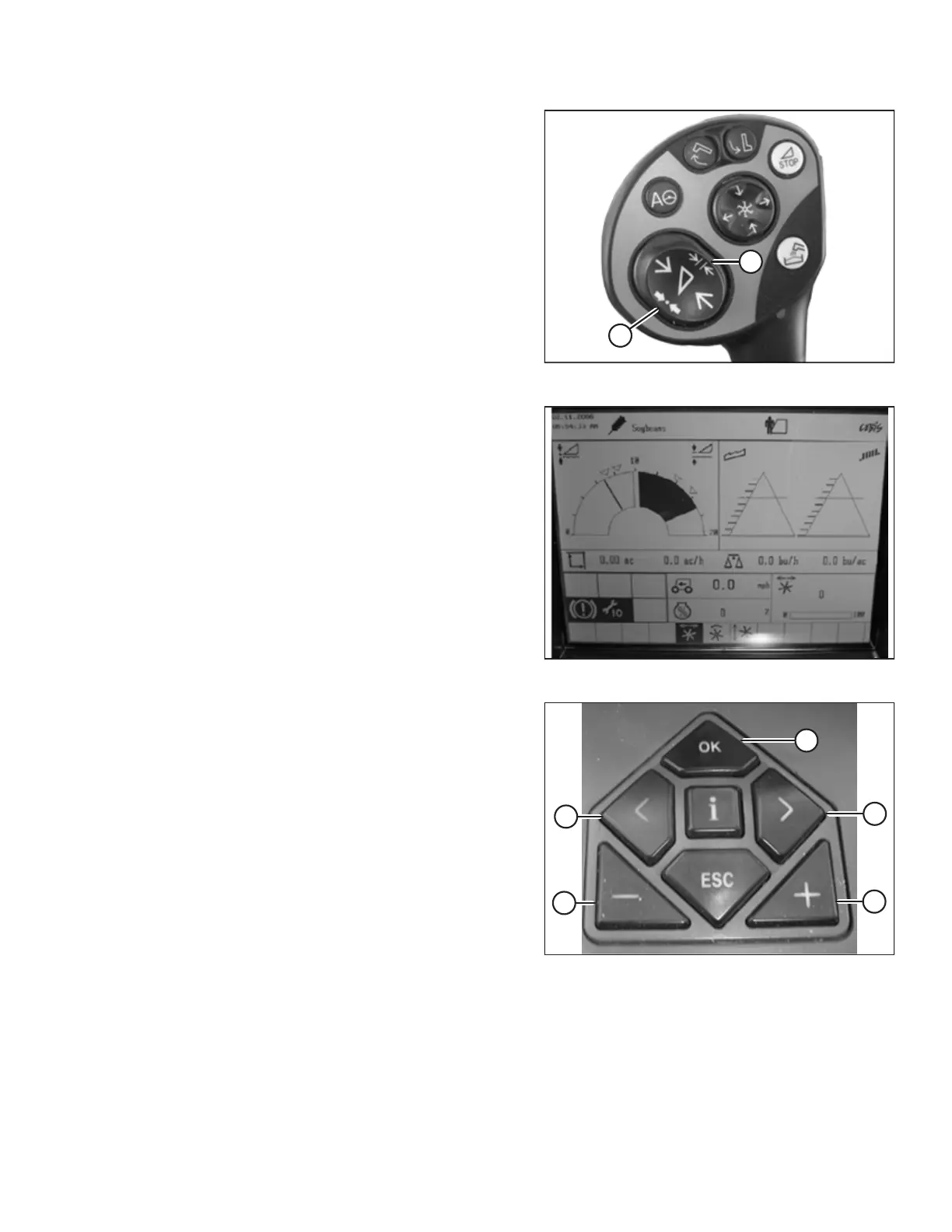
Figure 4.102: Joystick Buttons
5. Press and hold button (A) or button (B) for 3 seconds to
store the setting in the CLAAS Electronic on-Board
Information System (CEBIS). An alert sounds when the new
setting has been stored.
NOTE:
Whenever button (A) or button (B) is pressed for 3 seconds,
the current positions of the reel speed and cutting height
are saved.
Figure 4.103: Combine Display
6. Use the < or > key to select REEL WINDOW. The E15
window displays the current advance or retard value of the
reel in relation to the ground speed.
Figure 4.104: Combine Controls
7. Press OK key (E), and use < key (C) or the > key (D) to select
the REEL FORE AND AFT window.
8. Use – key (A) or + key (B) to set the reel fore-aft position.
AUTO HEADER HEIGHT CONTROL








 To Next Page