214323 254 Revision B
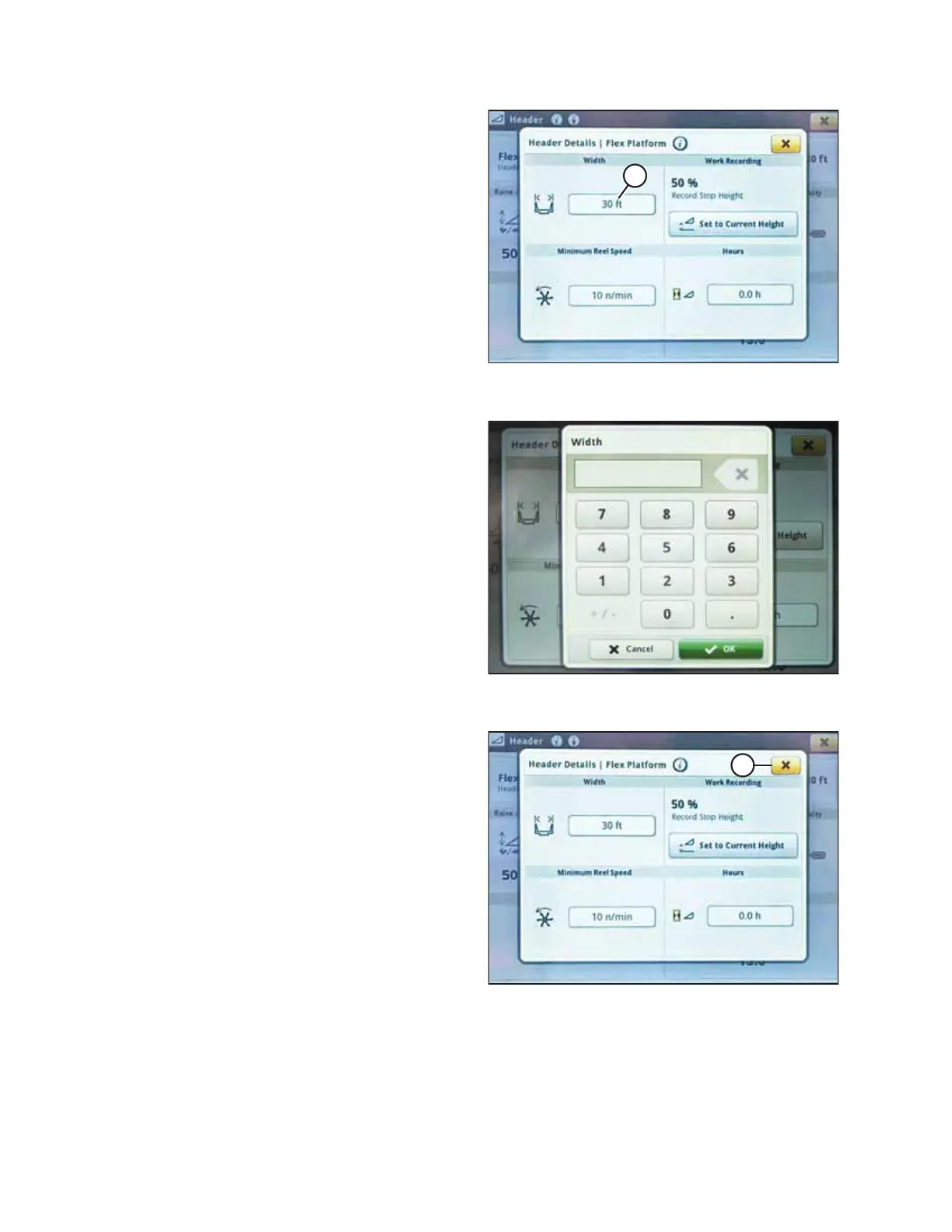
Figure 4.250: John Deere S7 Display – Header
Details Window
3. Verify correct header width is displayed under WIDTH.
4. To change header width, select field (A). The WIDTH dialog
box opens.
Figure 4.251: John Deere S7 Display – Setting
Header Width
5. Use the on-screen keypad to enter the correct header
width, and then press OK.
Figure 4.252: John Deere S7 Display – Header
Details Dialog Box
6. Press close button (A) in the top right corner to return to
the HEADER page.
AUTO HEADER HEIGHT CONTROL








 To Next Page