214323 275 Revision B
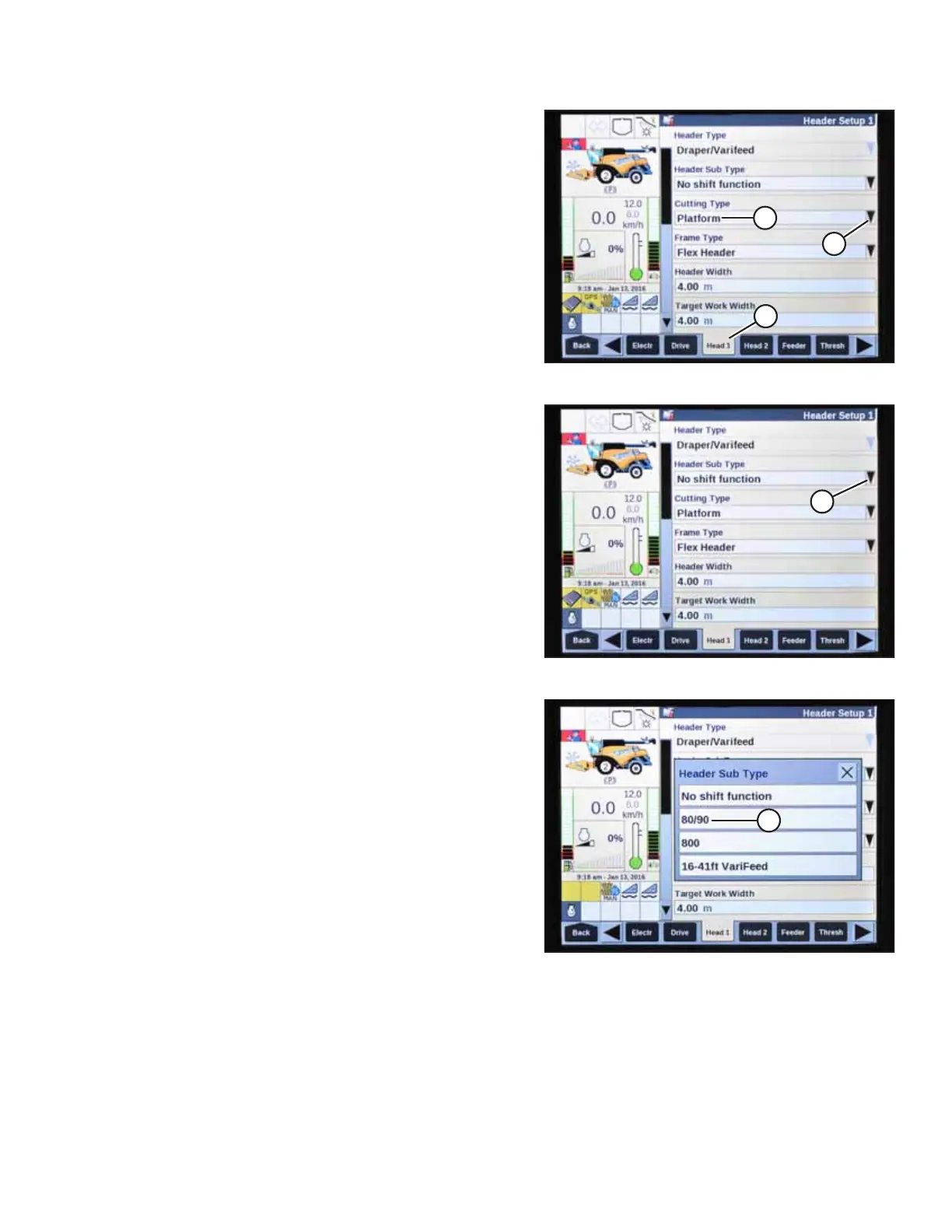
Figure 4.297: New Holland Combine Display
3. Select HEAD 1 (A). The HEADER SETUP 1 page appears.
4. Select CUTTING TYPE drop-down arrow (B) and change the
CUTTING TYPE to PLATFORM (C).
Figure 4.298: New Holland Combine Display
5. Select HEADER SUB TYPE drop-down arrow (A). The
HEADER SUB TYPE dialog box appears.
Figure 4.299: New Holland Combine Display
6. Select 80/90 (A).
AUTO HEADER HEIGHT CONTROL








 To Next Page