214323 56 Revision B
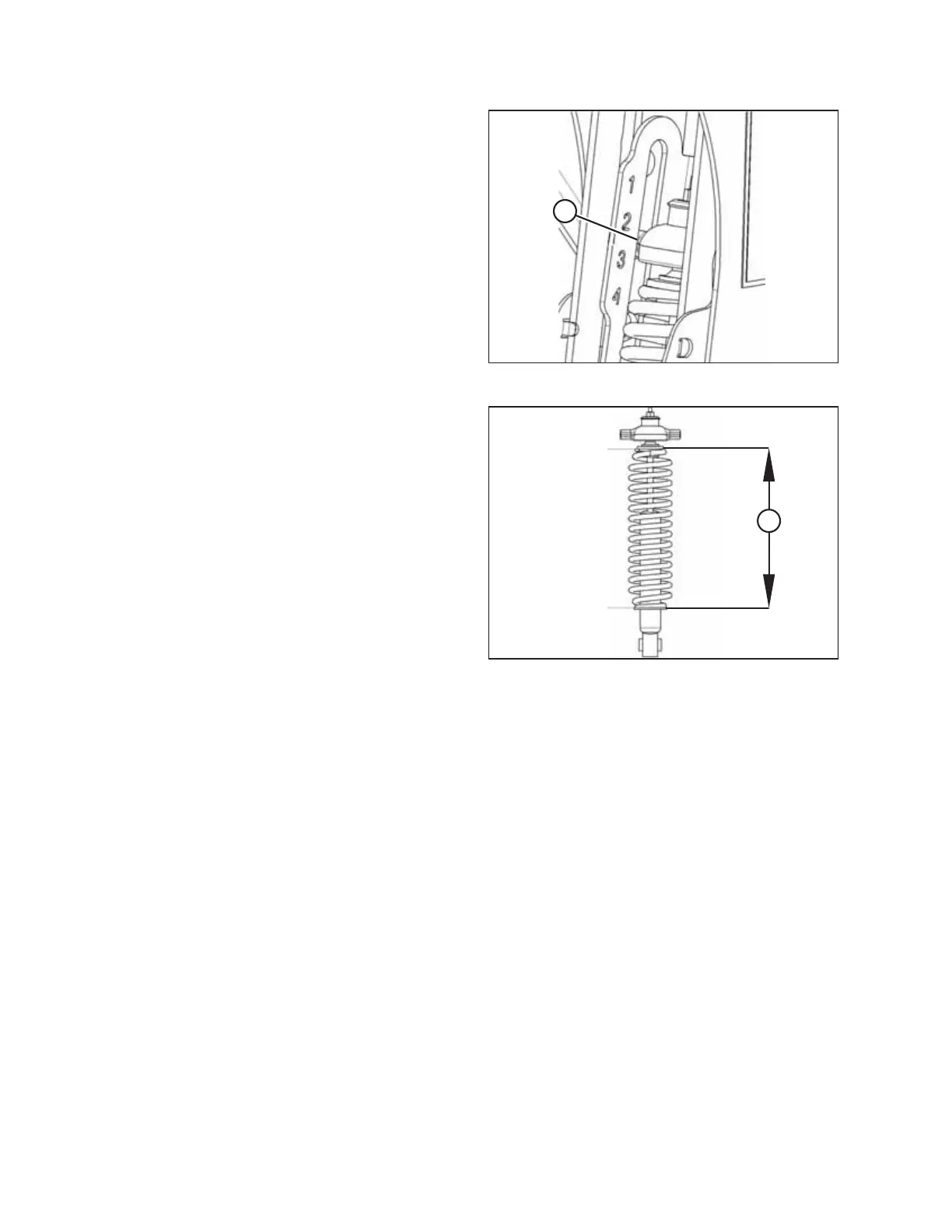
Figure 3.27: Load Indicator
13. Lower the header to the desired cutting height using the
combine controls and then check load indicator (A).
Figure 3.28: Spring Compression
IMPORTANT:
Continuous operation with excessive spring compression
(that is, the load indicator reading greater than 4 or
compressed length [A] less than 295 mm [11 5/8 in.]) can
result in damage to the suspension system.
14. Adjust the header angle to the desired working angle with
the machine’s header angle controls. If header angle is not
critical, set it to mid-position.
15. Use the combine’s auto header height control (AHHC) to
automatically maintain cutting height. Refer to 4.1 Auto
Header Height Control System Overview, page 129 and your
combine operator’s manual for details.
NOTE:
The height sensor on the CA25 Combine Adapter must be
connected to the combine header control module in
the cab.
OPERATION








 To Next Page