214323 63 Revision B
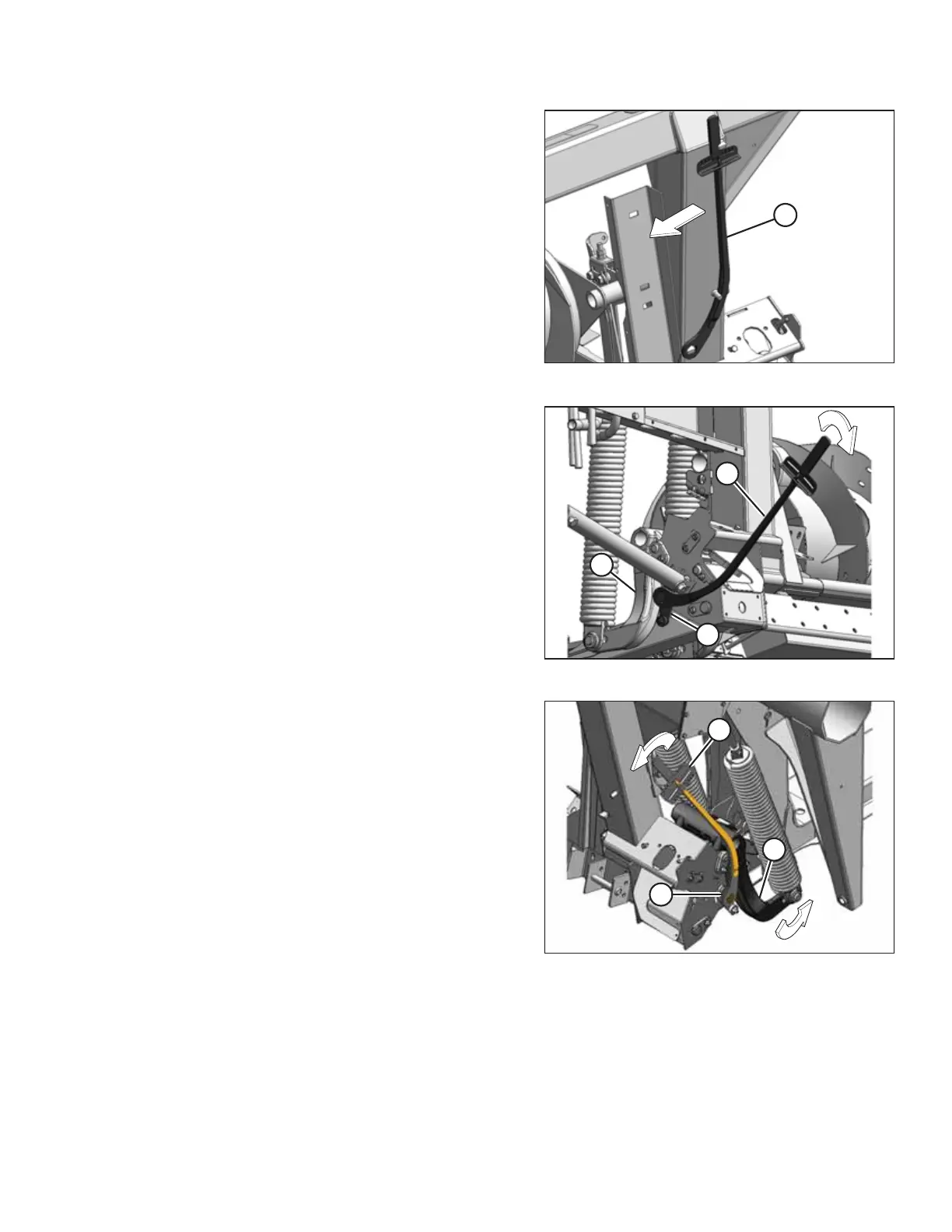
Figure 3.41: Torque Wrench
9. Remove torque wrench (A) from its storage position on the
right side adapter frame. Move the torque wrench slightly
in direction shown to disengage the wrench from the hook.
Figure 3.42: Left Side of Adapter
Figure 3.43: Right Side of Adapter
10. Place torque wrench (A) onto float lock (B). Note the
position of the torque wrench for checking the left or right
side of the adapter.
11. Push down on the wrench to rotate bell crank (C) forward.
OPERATION








 To Next Page