88 Matrix PRASAR UCS System Manual
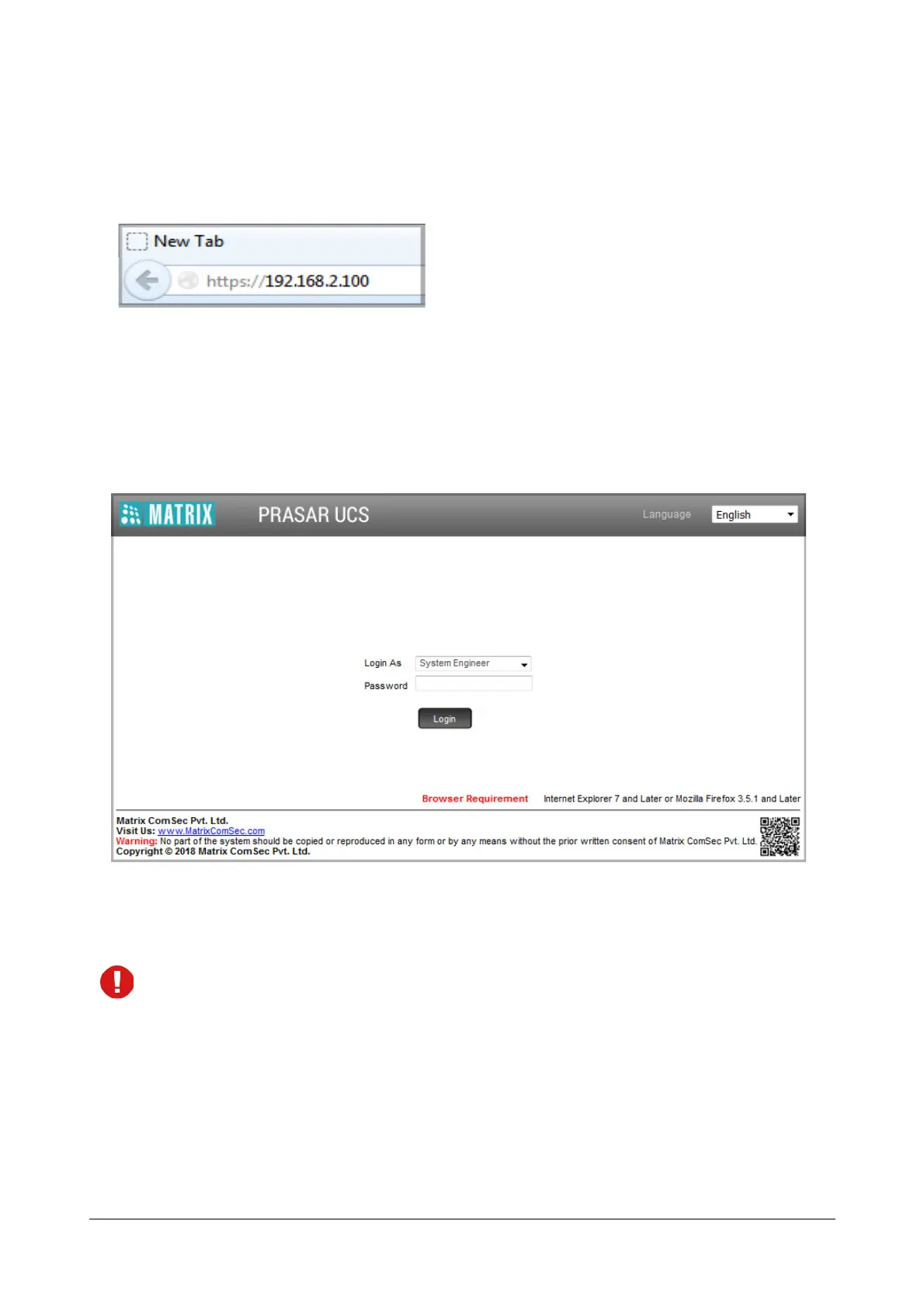
• Open the browser (Internet Explorer/Mozilla Firefox) on the PC (Standalone or LAN PC) to which the
SPARK200 is connected.
• In the address bar of the browser, enter https://192.168.2.100.
You will be redirected to the HTTPS protocol for secure access.
• Click the https://192.168.2.100 link.
• The Login page will open.
•In Login as select System Engineer.
•In Password, enter the default SE password, 1234.
• Click Login.
Before you start configuring the system, if you wish to view or download the PRASAR UCS Quick Start or
any other related documents, you can click or scan the QR Code present in the login page of Jeeves.


 To Next Page