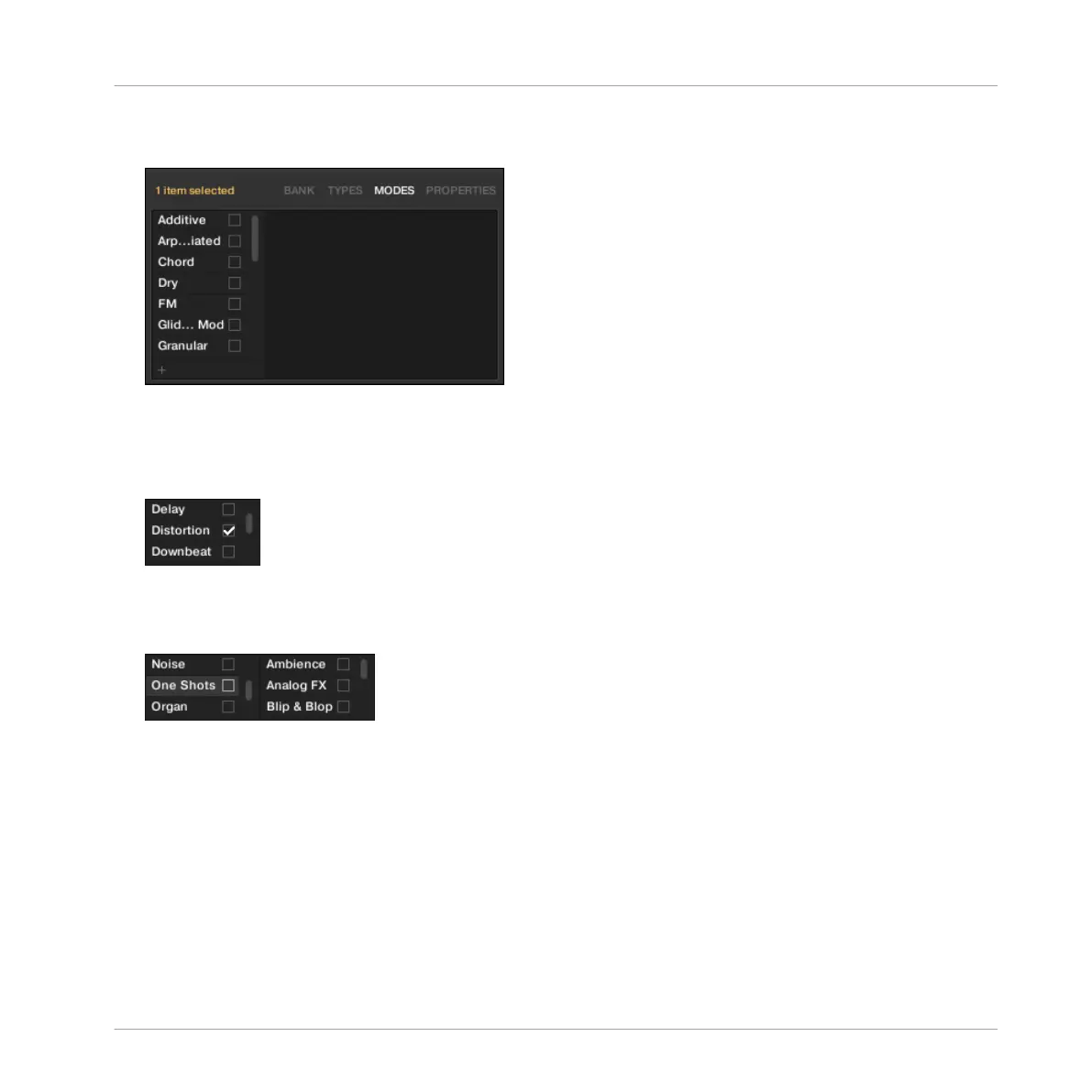
taken into account only if Instrument or Effect presets are imported. The MODES page
shows only one column:
Displaying Tags
▪ In both TYPES and MODES pages, tags assigned to the selected files are marked with a
check mark right of their name:
▪ In the TYPES page, click the name of a tag to select it and display its Sub-Types in the
next column to the right. In each column only one tag can be selected. The selected tag is
highlighted:
Assigning Tags
► Click the empty check box right of the desired tag name to assign this tag to the selected
files.
→ A check mark appears in the check box.
Additionally, when you check a tag on the TYPES page:
Browser
Editing the Files’ Tags and Properties
MASCHINE MIKRO - Manual - 183



 To Next Page