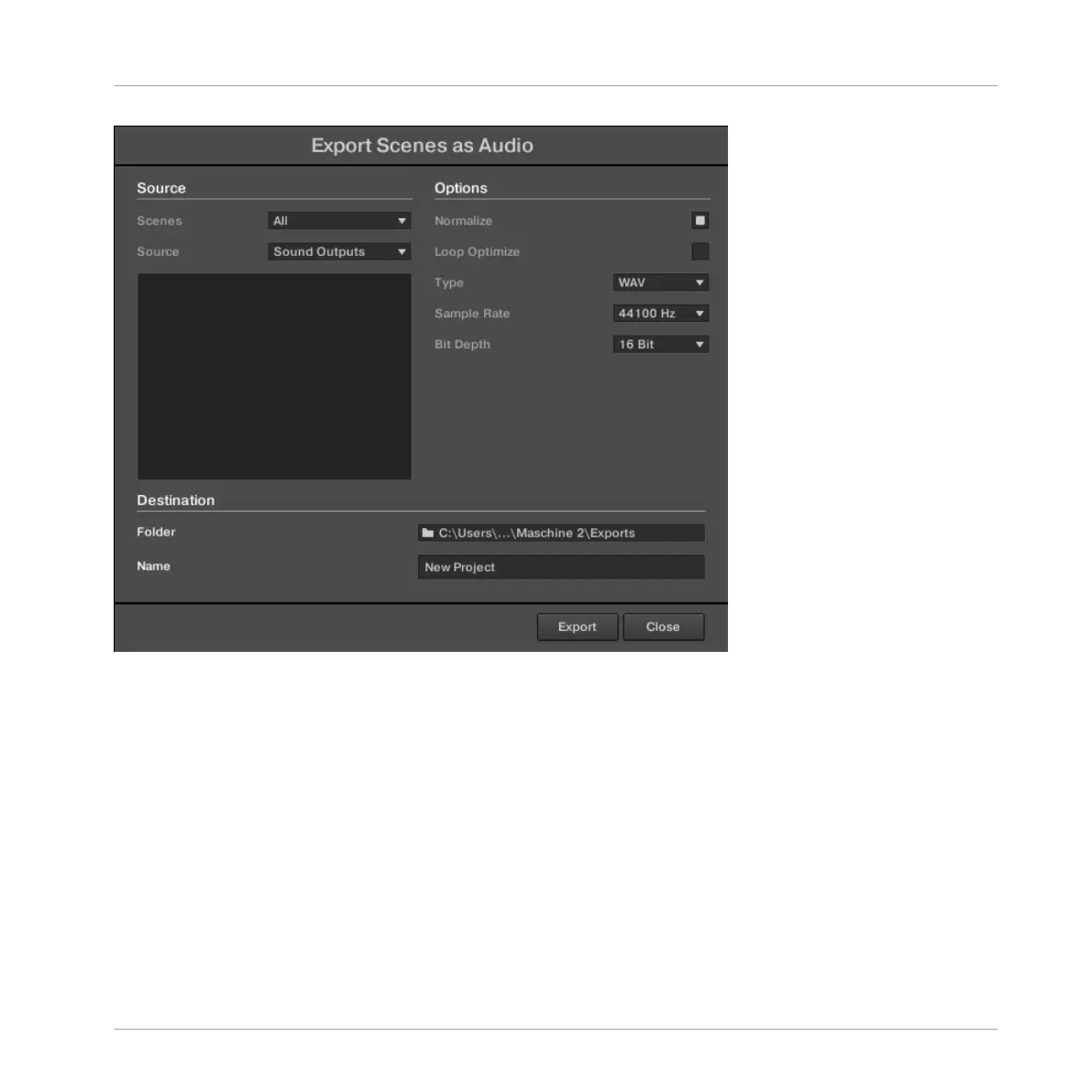
The Export Scenes as Audio panel.
The following parameters are available in the Export Audio panel, which is split into three dis-
tinct sections: Source, Options, and Destination.
Source Section
The Source section allows you to define exactly what will be exported.
Managing Sounds, Groups, and Your Project
Exporting MASCHINE Objects and Audio
MASCHINE MIKRO - Manual - 243



 To Next Page