Using the BayStack 450 10/100/1000 Series Switch
E-16 309978-D Rev 01
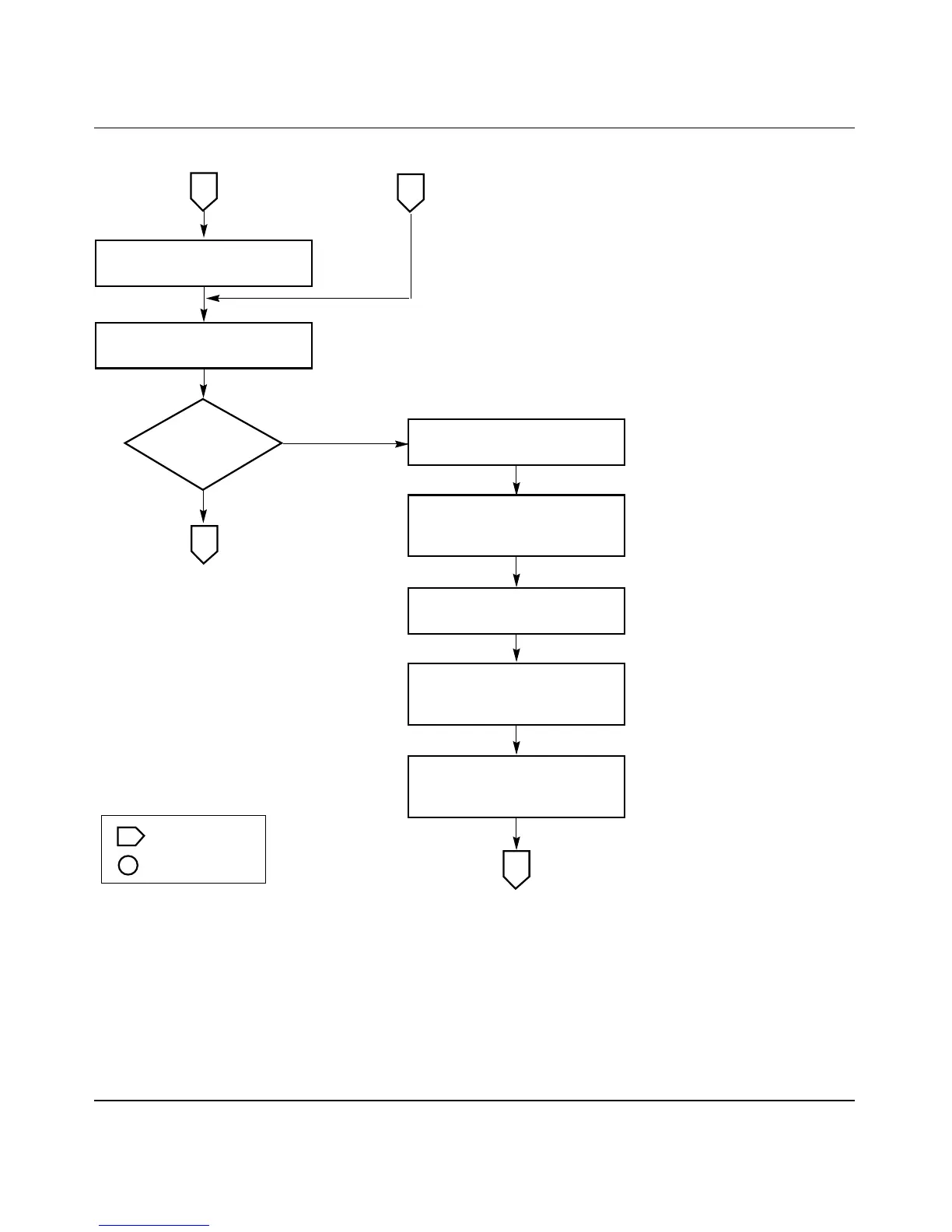
Figure E-15. Configuring the BayStack 450-2M3/2S3 MDA (2 of 3)
Yes
No
BS45094A
Is filtering
correct?
Off-page reference
On-page reference
Key
Assign the VPort to a
Port-Based VLAN.
2
Create a Port-Based VLAN.
1
Press [Ctrl]-R to return
to previous menu.
Choose VLAN Port
Configuration
(or press c).
Set the Port field as
appropriate for your
VPort configuration.
Set unregistered, tagged,
untagged filters
if necessary.
3
3
VLAN Port Configuration screen













 To Next Page