Calibrating the instrument for SIR experiments 5-3
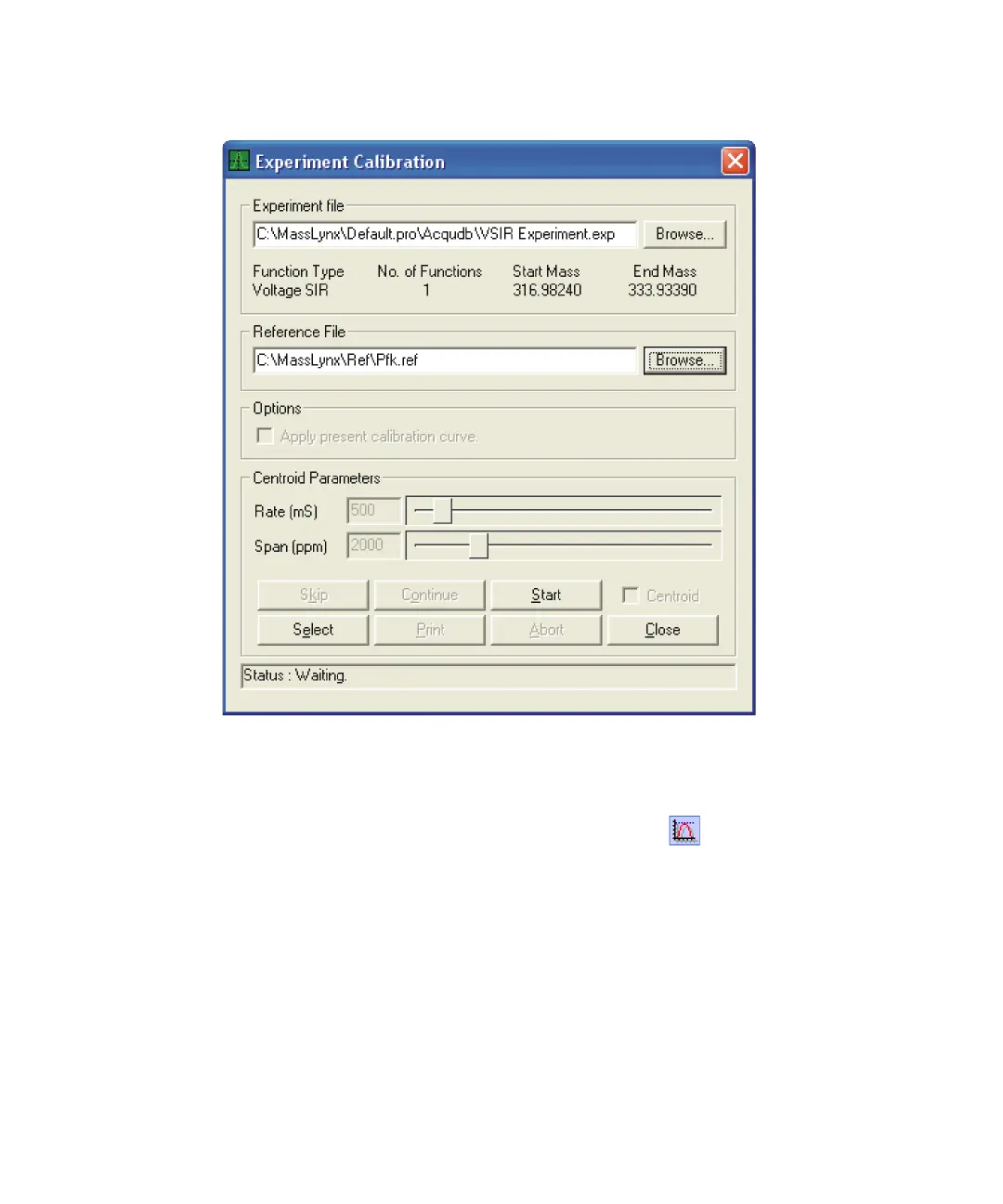
Experiment Calibration dialog box
3. Click Browse to select the PFK reference file (Pfk.ref).
4. Click Start.
5. In the Tune window peak display toolbar, click to normalize the
display.
6. If necessary, use the Span (ppm) slider to locate the ion beam. Each
mass peak in the experiment appears sequentially.
Tip: During calibration, the Experiment Calibration dialog box
Rate (mS) and Span (ppm) sliders are available; these controls perform
the same functions as the Tune window Tune Parameters pane Scan
Time (mS) and Span (ppm) sliders.











 To Next Page