C-4 Starting up and shutting down the instrument
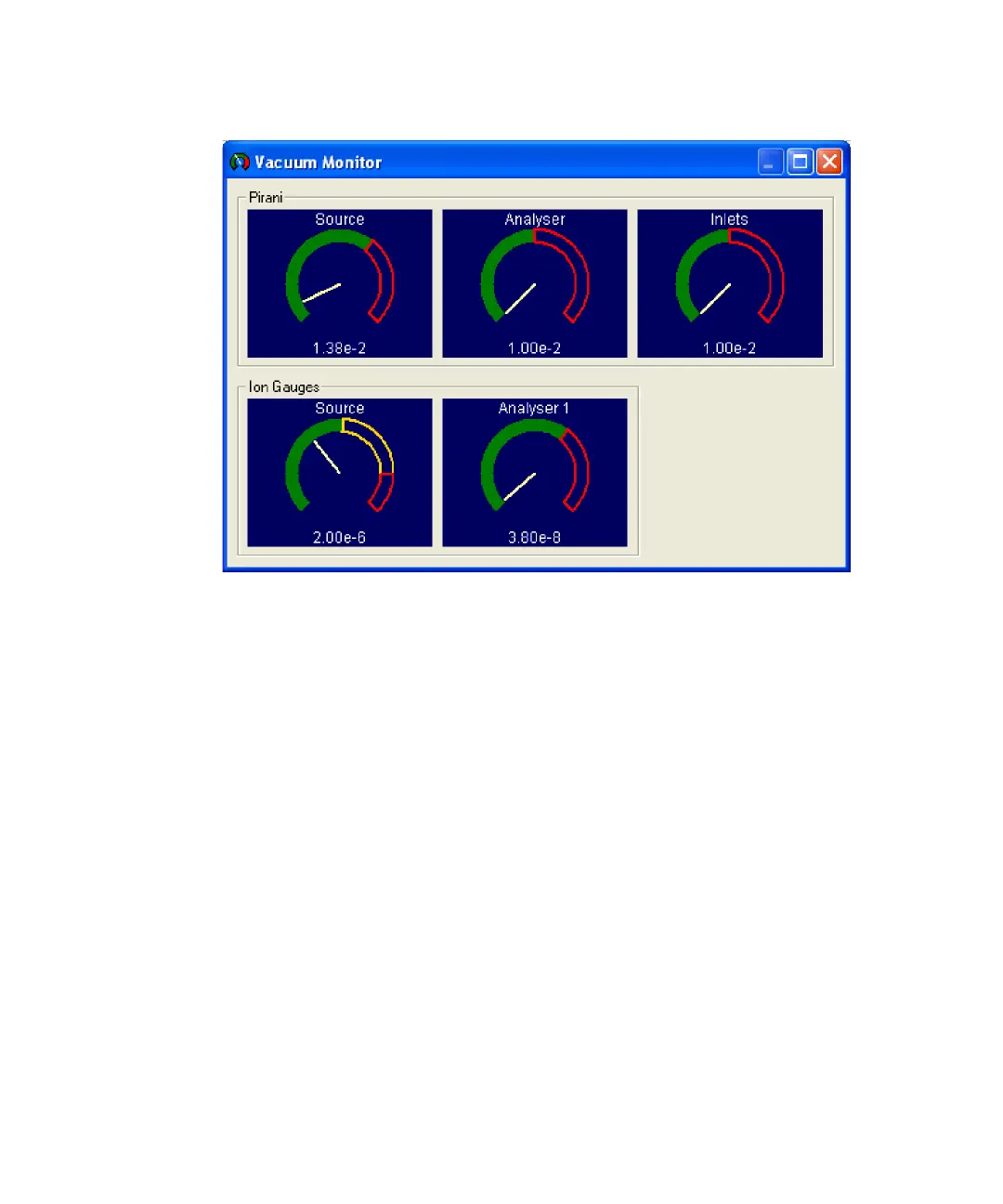
Vacuum Monitor window
Tips:
• As the instrument pumps down (evacuated), the Pirani readings
will fall below their trip levels, if no leaks are present.
• The trip levels are set in the Vacuum Control dialog box.
See “Controlling and monitoring the vacuum pumps” on page D-5.
25. When the Source and Inlets Pirani readings indicate less than
2.0e-2 mbar, on the Tune window’s Vacuum tab, select Source.
26. Close the source lock pump-out valve.
27. Wait about 30 minutes for the Analyzer Pirani gauge to indicate a
pressure of less than approximately 5.00e-2 mbar.
28. Click Vacuum > Control.
29. In the Vacuum Control dialog box, select Source and Analyser to switch
on the fine pumps.
Note: As fine (diffusion) pumps become warm, air trapped in their oil is
released, causing backing pressures to rise to a point where the Source
and Analyser Piranis can trip. The fine pumps then turn off











 To Next Page