The Tune window Options menu D-21
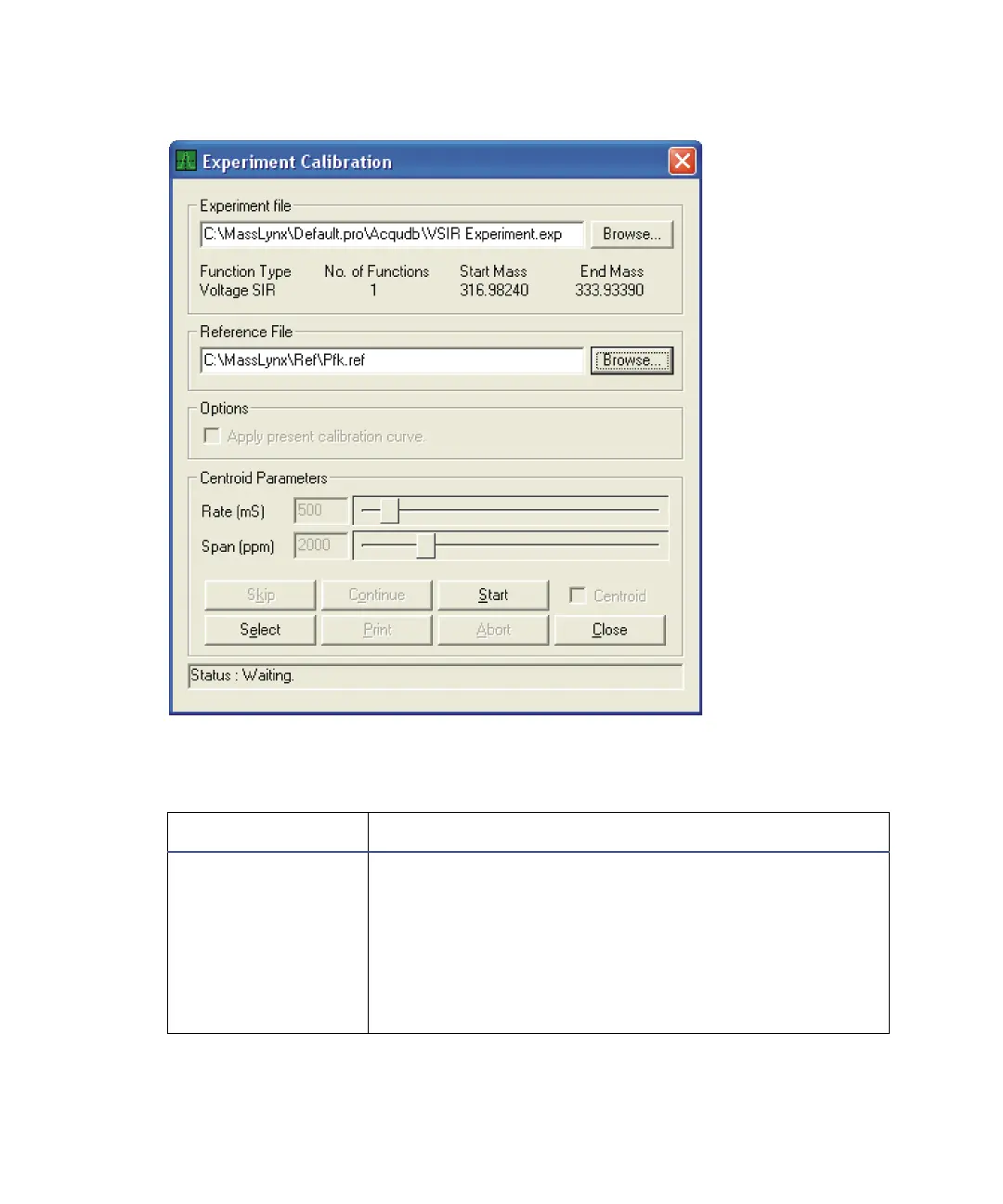
Experiment Calibration dialog box
Experiment Calibration dialog box parameters
Parameter Description
Experiment file Specifies the experiment file name and path of the file
to be calibrated. You can browse to find a file.
Tip: When you specify a file, the displayed experiment
information updates to show the Function Type, the
No. of Functions in the experiment, the Start Mass,
and End Mass. If an experiment that contains invalid
function types, an error message appears.











 To Next Page