The Tune window peak display D-51
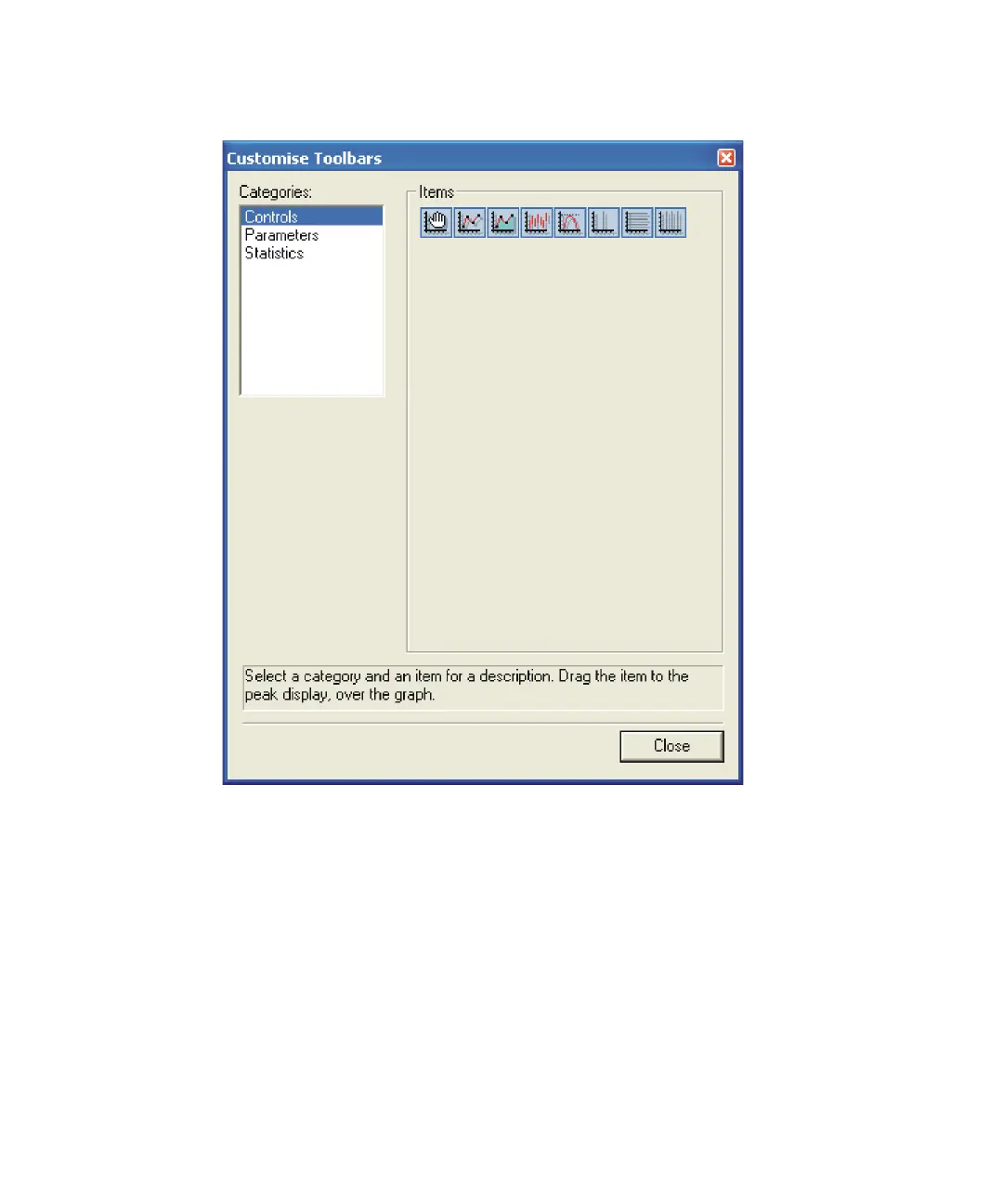
Customise Toolbars dialog box, Controls page
To add tools to the peak display toolbar
1. In the Customise Toolbars dialog box Categories box, click Controls.
2. In the Customise Toolbars dialog box Controls page Items list, click the
required tool icon(s) and drag to the peak display toolbar.
The available tools are described in the following table.











 To Next Page