The Tune window peak display D-53
To add statistics displays to the peak display toolbar
1. In the Customise Toolbars dialog box Categories box, click Statistics.
2. In the Customise Toolbars dialog box Statistics page Items list, click and
drag the required statistics box(es) to the peak display toolbar.
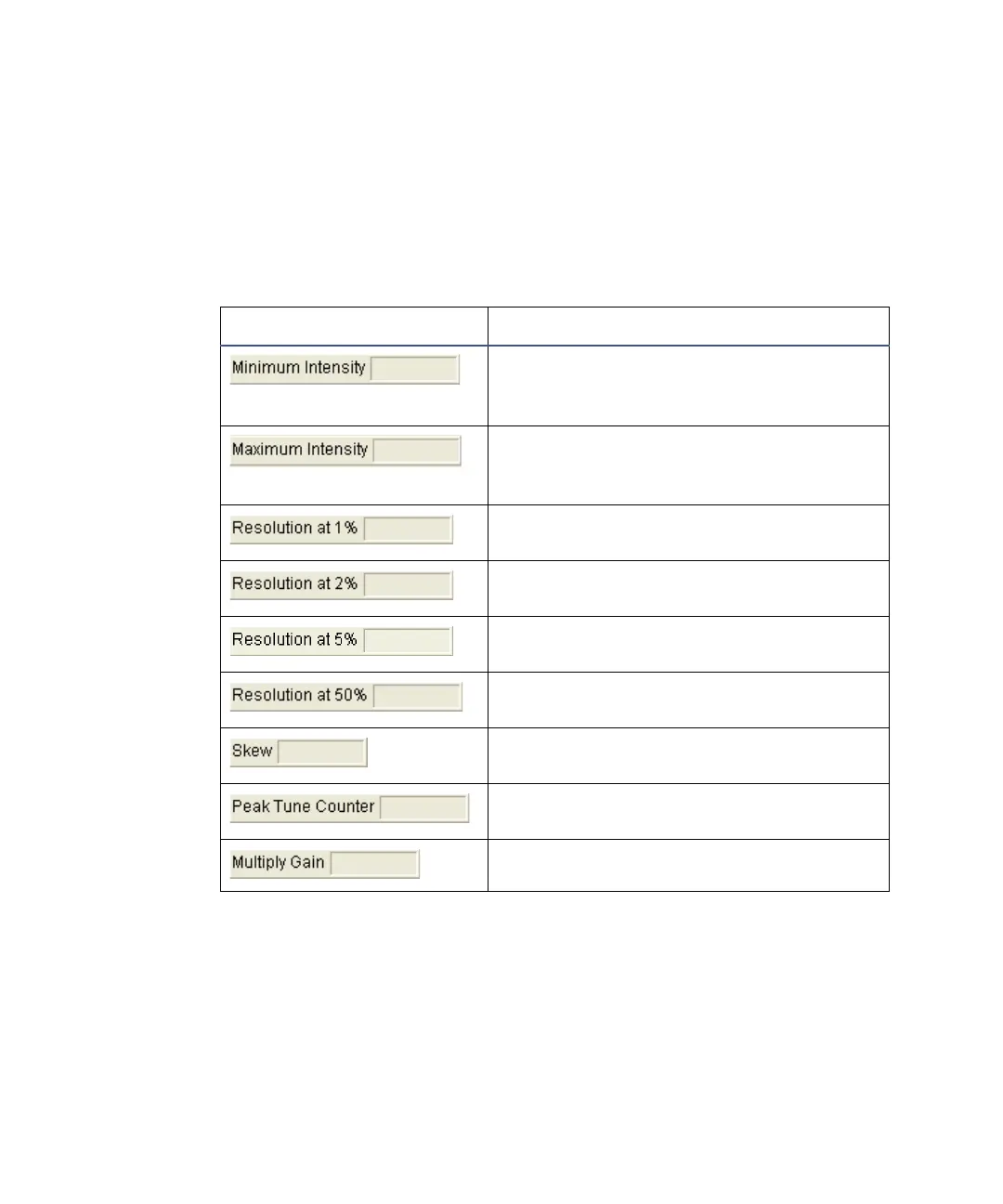
The available statistics displays are described in the following table.
To remove items from the peak display toolbar
In the Display toolbar, click and drag the required item out of the Tune
window peak display area.
Peak Display toolbar statistics displays
Statistics Display Function
Dynamically displays the peak’s
minimum intensity in DAC bits; 0 to
65535 is equivalent to 0 to 10 volts.
Dynamically displays the peak’s
maximum intensity in DAC bits; 0 to
65535 is equivalent to 0 to 10 volts.
Dynamically displays the peak
resolution (1% peak height definition).
Dynamically displays the peak
resolution (2% peak height definition).
Dynamically displays the peak
resolution (5% peak height definition).
Dynamically displays the peak
resolution (50% peak height definition).
A measure of the asymmetry of the
displayed peak.
A counter showing the number of scans
sine initialization.
The gain of the detection system.











 To Next Page