High resolution tuning 2-17
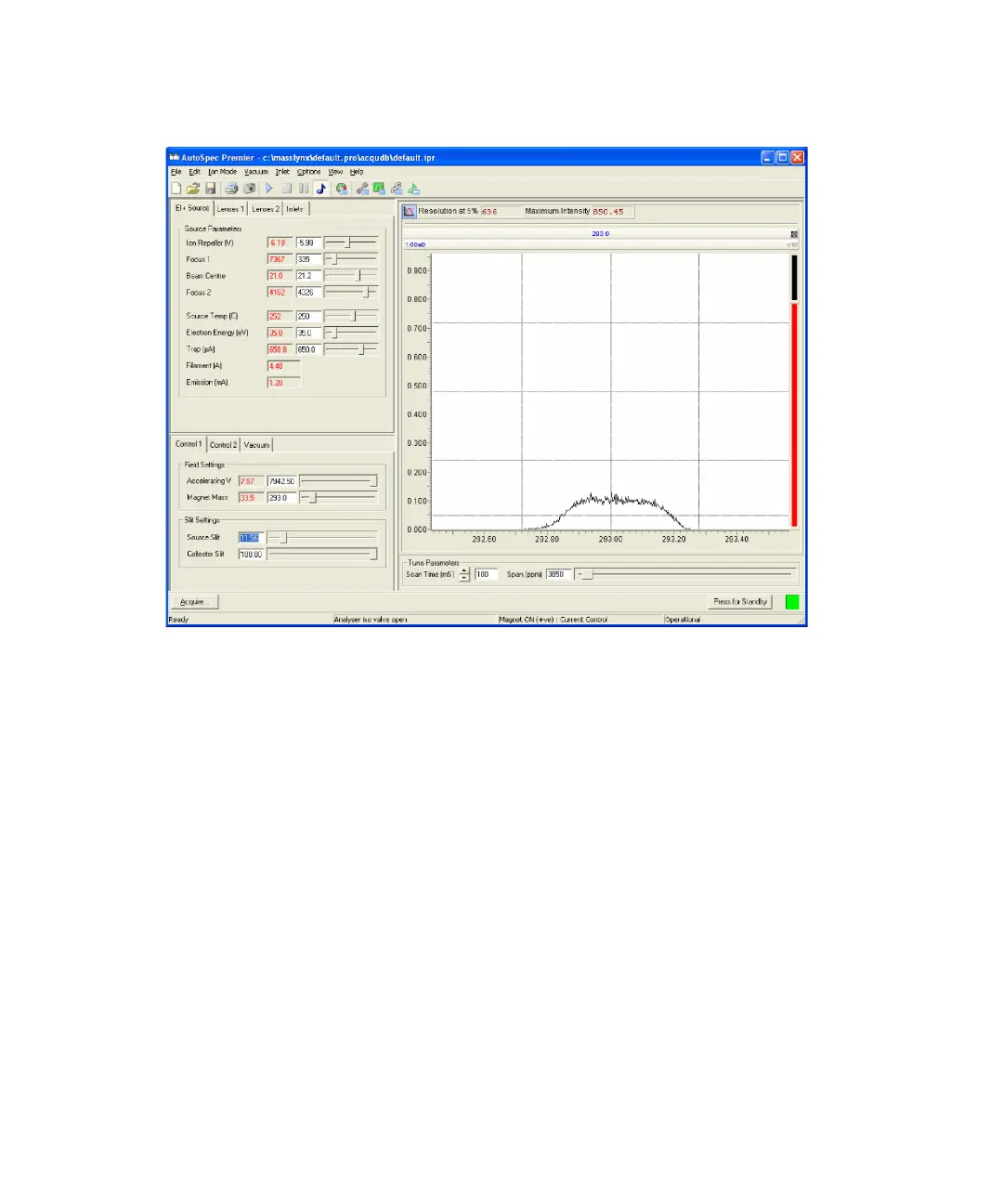
Flat-topped mass 293 peak, intensity 0.1 V
To perform final high resolution tuning
1. In the Tune window’s Control 2 tab, set Detector (V) to 350.
2. Zoom in to the peak, and tune the instrument to center the displayed
peak on mass 293 and to obtain the best peak shape (with minimum
tailing) and intensity as described in step 2 on page 2-15.
3. Optimize the values of the lens controls in the Lenses 1 and Lenses 2
tabs to obtain the best peak shape (with minimum tailing) and intensity.
4. If the resolution (as shown in the Resolution at 5% display in the peak
display toolbar) is still too low, make the ion beam narrower by
decreasing the value of the Source Slit control, and re-triangulate the
peak.











 To Next Page