2-16 Tuning the instrument
To adjust the source slit for high resolution operation
1. In the Tune window’s Control 2 tab, set Detector (V) to 250 V.
2. On the Control 1 tab, set Collector Slit to 100.
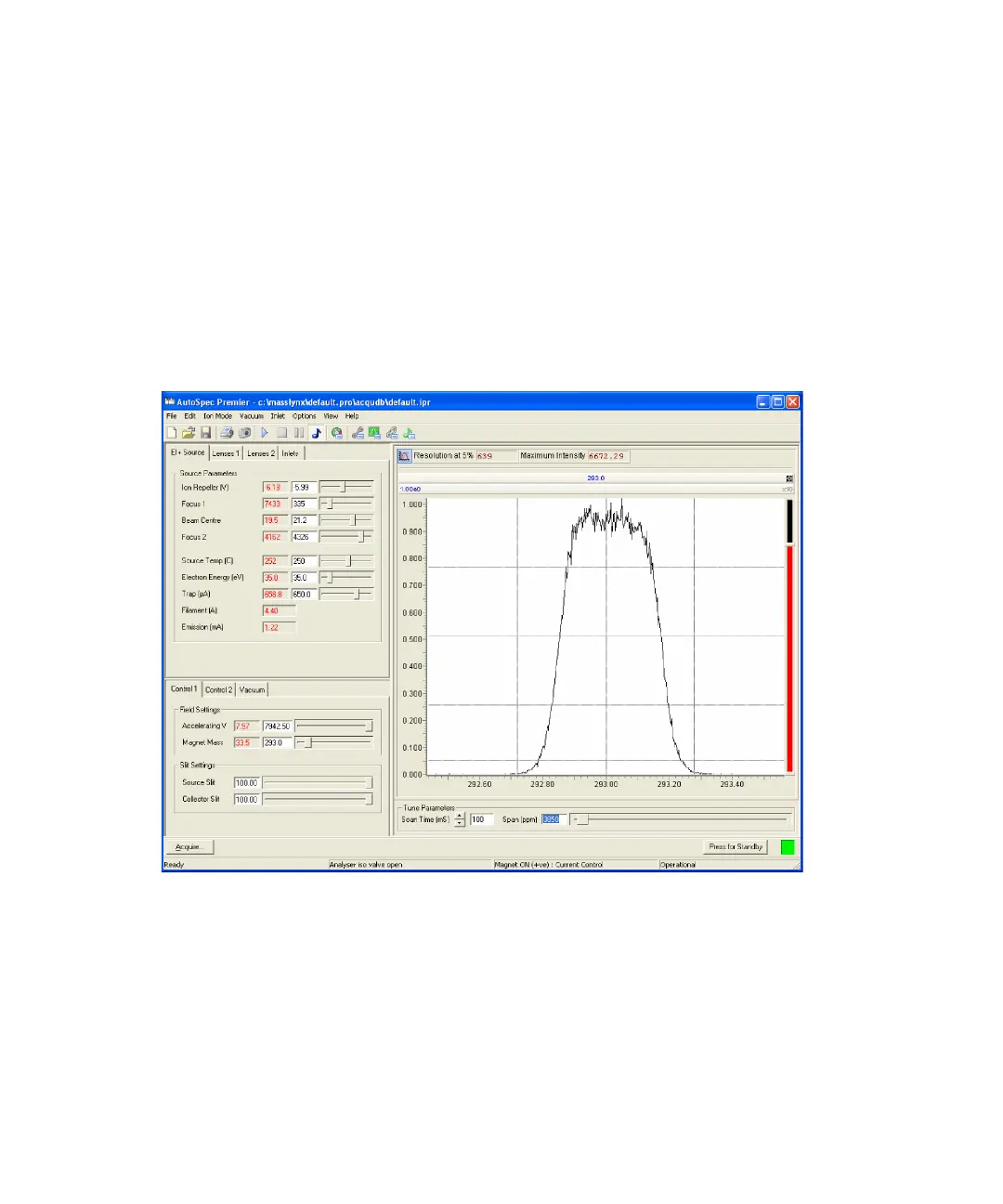
Result: The peak becomes flat-topped, because the collector slit is wider
than the ion beam.
3. Note the maximum intensity of the peak, typically between 1 and 5 V,
depending on the level of PFK in the system.
Flat-topped mass 293 peak, intensity 1.0 V
4. On the Control 1 tab, adjust the Source Slit value so that the peak
intensity drops to 10% of the value obtained in step 3
Rationale: In going from 1000 to 10000 resolution, the ion beam
intensity drops to approximately 10% of its original value. This value is
the theoretical maximum transmission for the higher resolution, but can
be adversely affected by source conditions, such as the presence of a GC
column.











 To Next Page