128
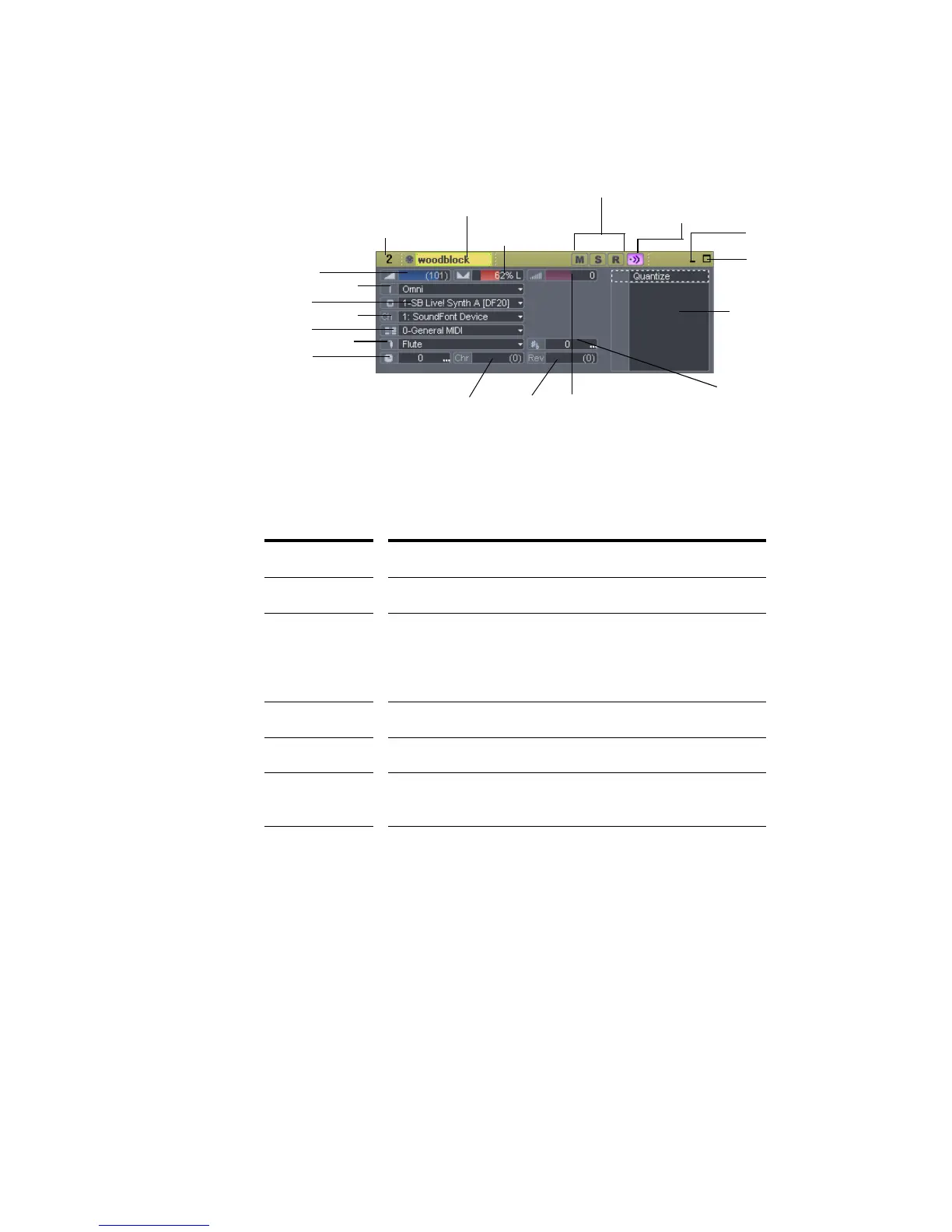
Here is a summary table of the different track parameters and how they are used.
Audio Track Parameters
The following parameters apply to audio tracks:
Setting... What it means...
Number A sequential track number used only for reference
Name A name that you assign the track for easy reference. Note
that if you do not assign a name to a track, the default
name is the track number. This track number will
change if you change the order of your tracks.
Input The input source for the track, used in recording
Output The output bus through which the track is played
Vol (volume) The starting volume level for the track, ranging from -INF
(silent) to +6 dB (maximum volume).
Pan The stereo distribution of the output, ranging from 100% left
(hard left) to 100% right (hard right); a value of “C” indicates
sound that is centered left-to-right. On stereo tracks, pan
acts as balance.
Channel
Volume
Key+
Output
Input
Velocity Trim
Reverb
Effects bin
Pan
Time+
Patch
Bank
Chorus
Track name (or if new, the track #)
Track number
Mute, Solo and Arm buttons
Minimize track
Maximize track
MIDI Track
Parameters
Input Echo button



 To Next Page