226
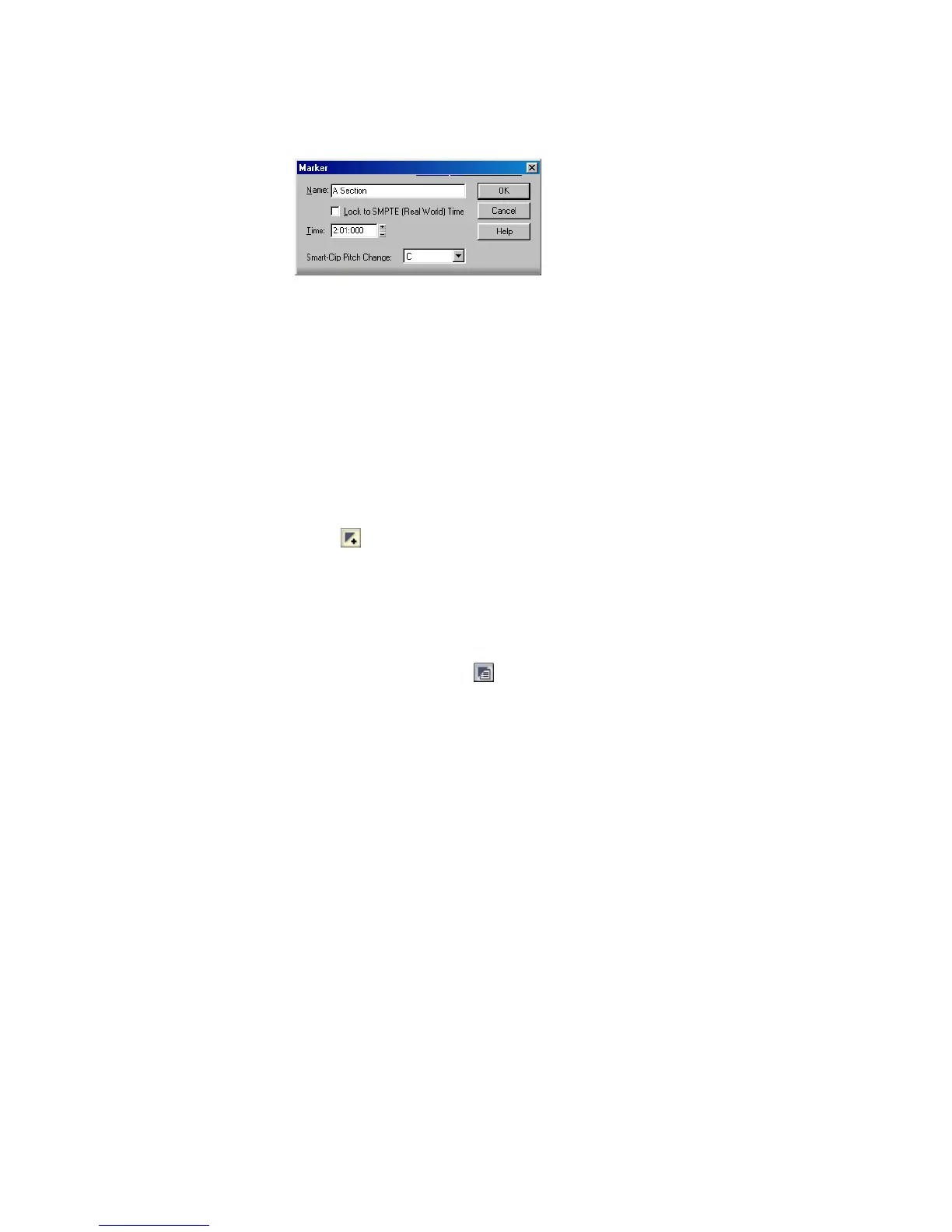
SONAR displays the Marker dialog box.
2. Enter a name for the marker in the Name box.
3. The time is set to the Now time. If you want, use the spinners to change the
time or type in a new marker time.
4. Check the Locked to SMPTE box if you want to lock the marker to the SMPTE
time.
5. Click OK.
SONAR adds the marker and displays it in the Time Ruler, the Markers view, and
the Markers toolbar.
To Add a Marker on the Fly
• Click in the Markers toolbar, or Press F11.
SONAR adds a marker at the Now time and displays it in the Time Ruler, the
Markers view, and the Markers toolbar.
To Edit a Marker
1. Either right-click on the marker in the Time Ruler, or choose a marker in the
Markers view and click . SONAR displays the Marker dialog box.
2. Change the marker name, time, or other settings as desired.
3. Click OK.
SONAR updates the marker in the Time Ruler and the Markers view.
To Copy a Marker
1. Press and hold the Ctrl key.
2. Drag a marker in the Time Ruler of the Track view, Staff view, Tempo view, or
Piano Roll view. SONAR displays the Marker dialog box.
3. Enter the desired marker settings and click OK.
SONAR copies the marker and displays it in the Time Ruler and the Markers view.
You can also cut and paste markers directly from the Markers view.



 To Next Page