457
Here are some reasons to use Edit-Bounce to Track(s):
• Your mix is so complex that real-time playback is impossible. Edit-Bounce to
Track(s) produces the correct mix, and store the result in a new track or
tracks.
• You require more CPU time for your real-time effects. With Edit-Bounce to
Track(s), you can premix some of your tracks with real-time effects applied,
saving CPU time during playback.
If you mix down to tracks that already have data, the new events are placed in the
track, but do not overwrite existing material.
To Mix Down (Bounce) Audio Tracks
1. Set all volume, pan, effects, and automation settings just as you want them.
2. Select the tracks or clips you want to mix down.
3. If you are using effects on the tracks and want to mix the effects down at this
time, select the whole length of the longest track or clip plus an extra measure
for the reverb or effects “tail.”
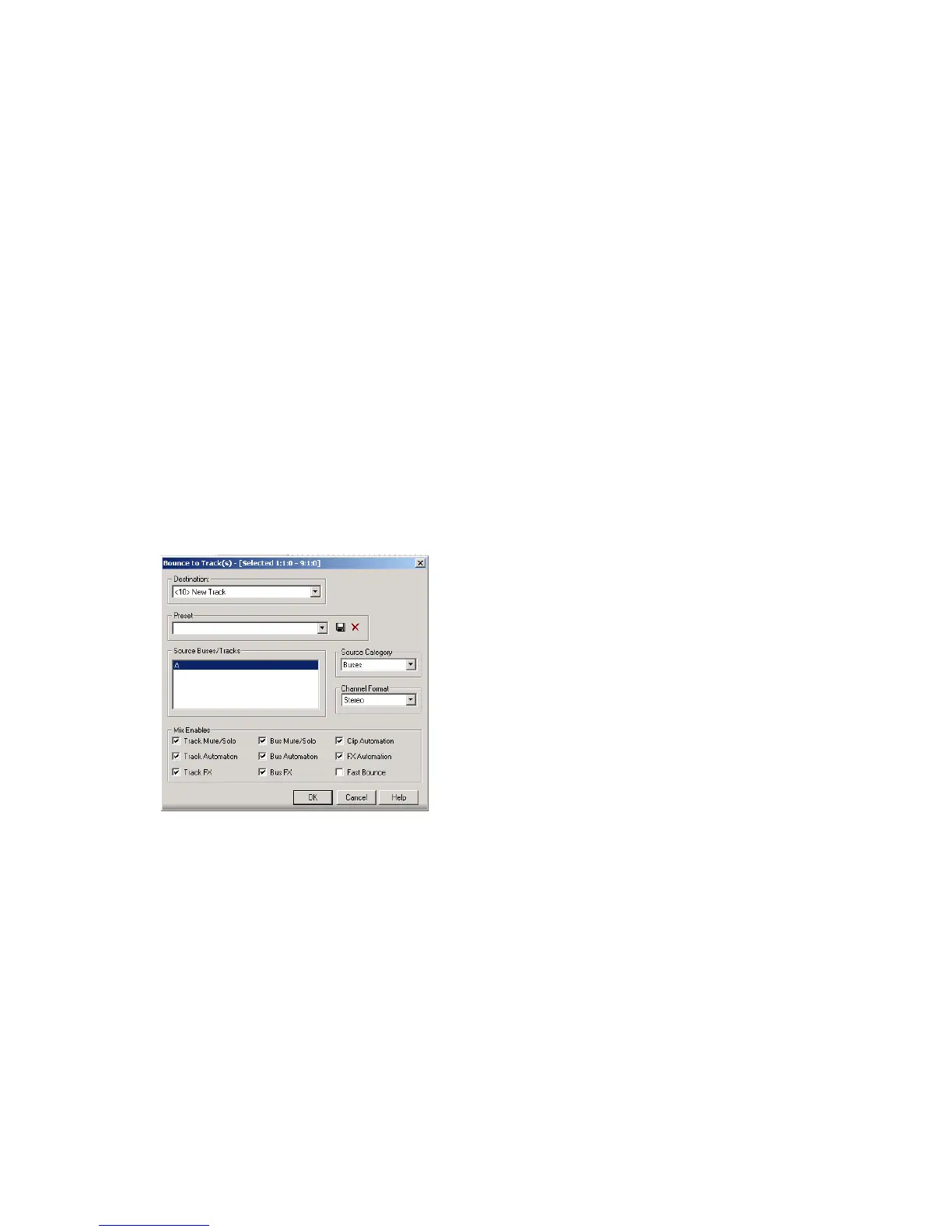
4. Choose Edit-Bounce to Track(s) to open the Bounce to Track(s) dialog.
5. Select the first destination track for the mixdown.
6. If you’ve saved a preset configuration for the Bounce to Tracks dialog, select it
now in the Preset window.



 To Next Page