92
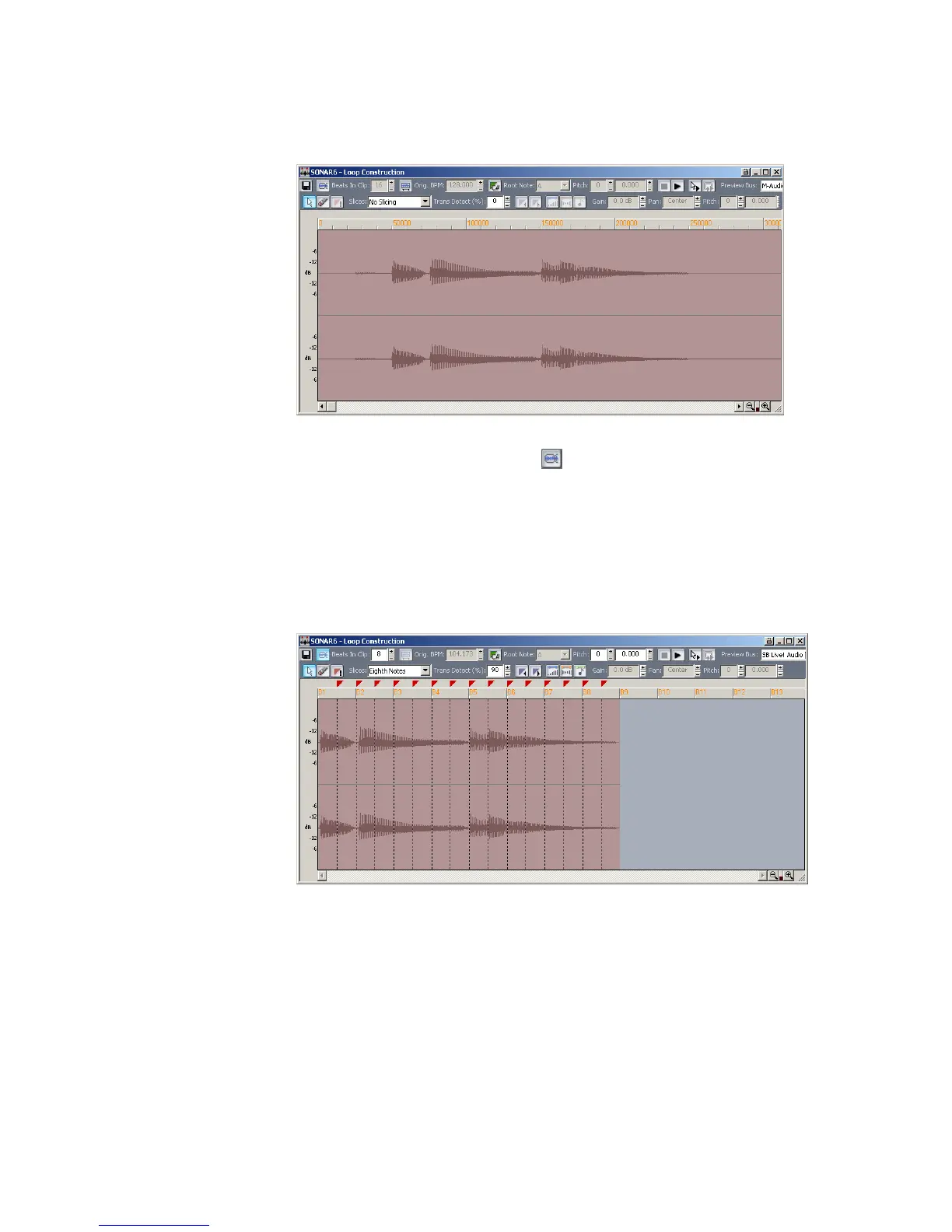
Your clip should look something like this:
10. Click the Enable Looping button on the Loop Construction view toolbar to
enable the clip’s Groove clip characteristics.
SONAR automatically slices the clip and assigns in a number of beats. Notice
that SONAR has sliced this clip at eighth note intervals. This is a clip with a
waveform that does not have dramatic transients (sharp rises in volume). For
clips like this, markers at beat intervals work best.
The clip is now a Groove clip, and it looks like this:
The bass track is now a Groove clip, so you can move it where you want and create
repetitions by dragging it out.
Let’s create another Groove clip.



 To Next Page