93
To Create a Groove Clip (example 2)
For this example we are going to use a clip that does not need to be slip-edited.
1. In the Explorer view, navigate to the Tutorials folder in the directory where
you installed SONAR.
2. Drag and drop the
DRUMS.WAV file into the new project below your bass track
at measure 1.
3. Double-click the clip.
4. Click the Enable Looping button .
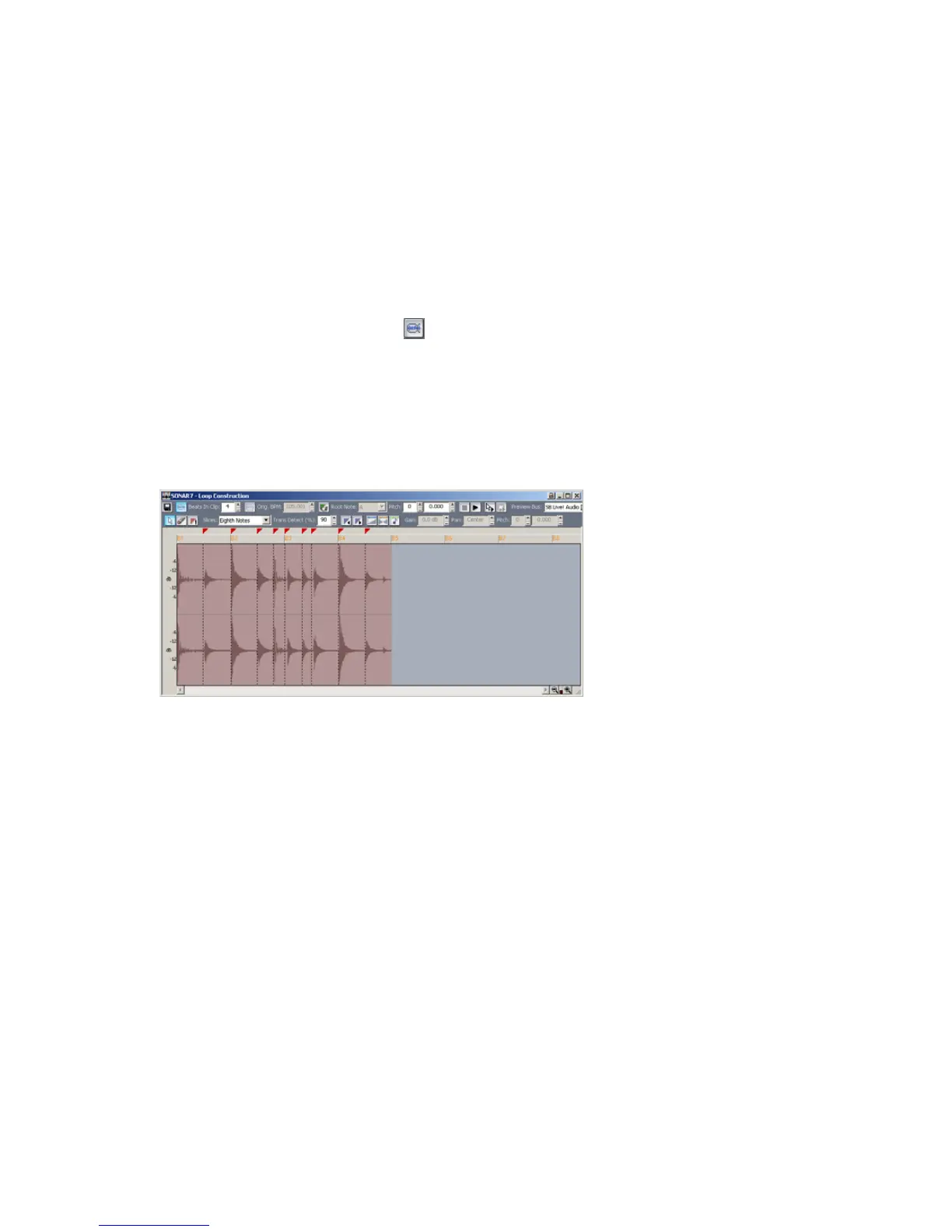
SONAR automatically slices the clip and assigns in a number of beats. Notice
that SONAR has sliced this clip at eighth notes and at the beginning of some
transients. This has dramatic transients. For clips like this, transient markers
work best.
The clip is now a Groove clip, and it looks like the following picture. You can
click the zoom buttons in the lower right corner to get a better view.
The markers in the Loop Construction view are used to tell SONAR where to
preserve timing. The idea is to preserve the clip while being able to change the
tempo. When a clip has a lot of transients, as this one does, it is a good idea to
make sure that the slicing markers fall at the beginning of the transients, thus
preserving their timing. This clip has several markers which can be fine tuned to
give better results. Let’s move some markers to better preserve the timing of this
clip.



 To Next Page