94
To Fine Tune the Slicing Markers in a Groove Clip
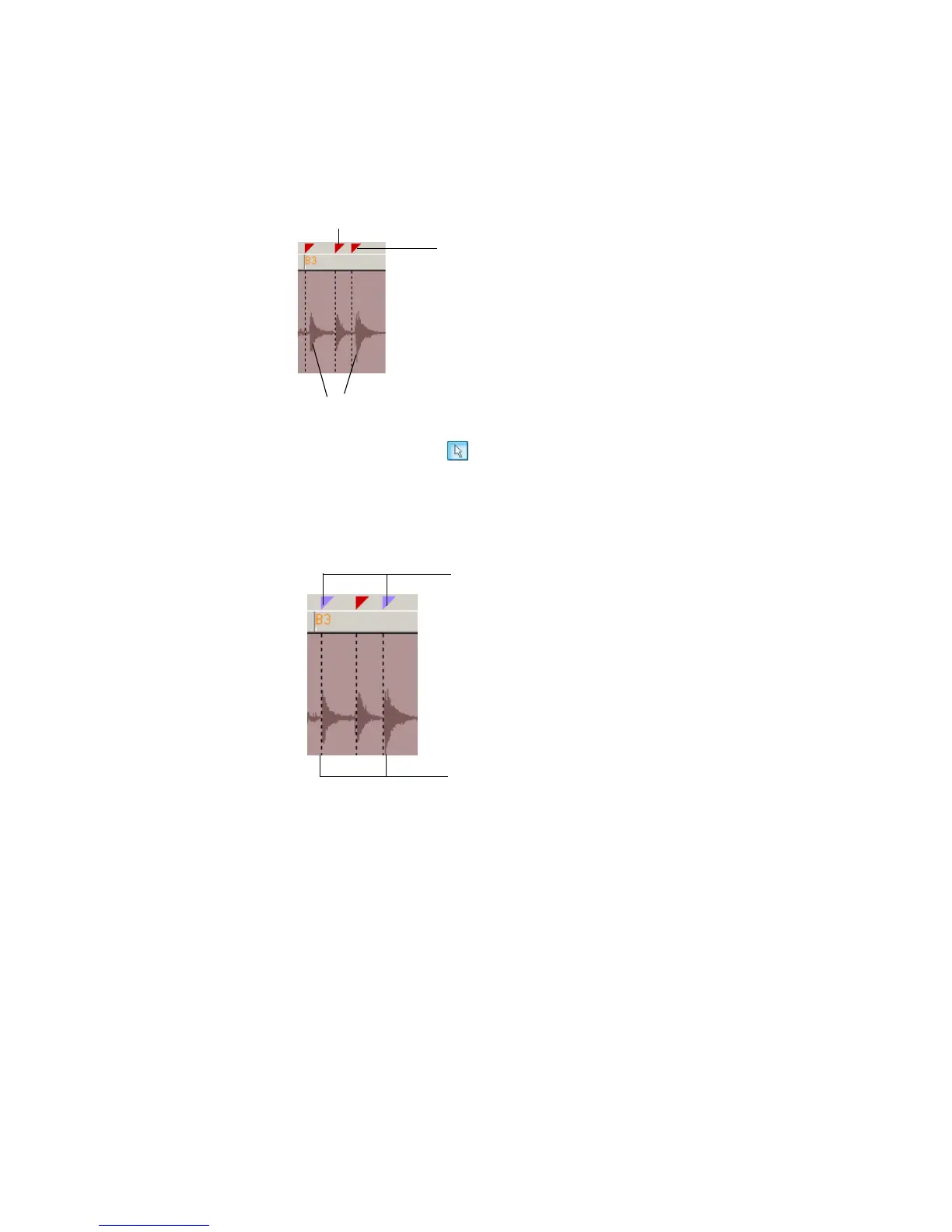
1. Identify the markers which are close to the beginning of a transient.
An example of transients that should be moved:
2. Click the Select tool .
3. Click and drag the slicing markers that need to be fine tuned so that they are
at the very beginning of the transient.
Like this:
Use the two projects you have created to experiment with Groove clips further. Try
new loops, change tempos, add pitch markers, record clips and use them to create
your own loops. For more information about Groove clips, see Chapter 6, Using
Loops.
Transients
Slicing marker
Slicing marker which
should be moved
Slicing markers which
have been edited. Edited
slicing markers appear in
blue.
Slicing markers now appear right next
to the beginning of the transients



 To Next Page