0978-025
By installing the optional paper feeder in addition to the supplied multi-purpose tray and paper drawer, the printer can feed
up to 1,600 sheets of paper continuously and automatically.
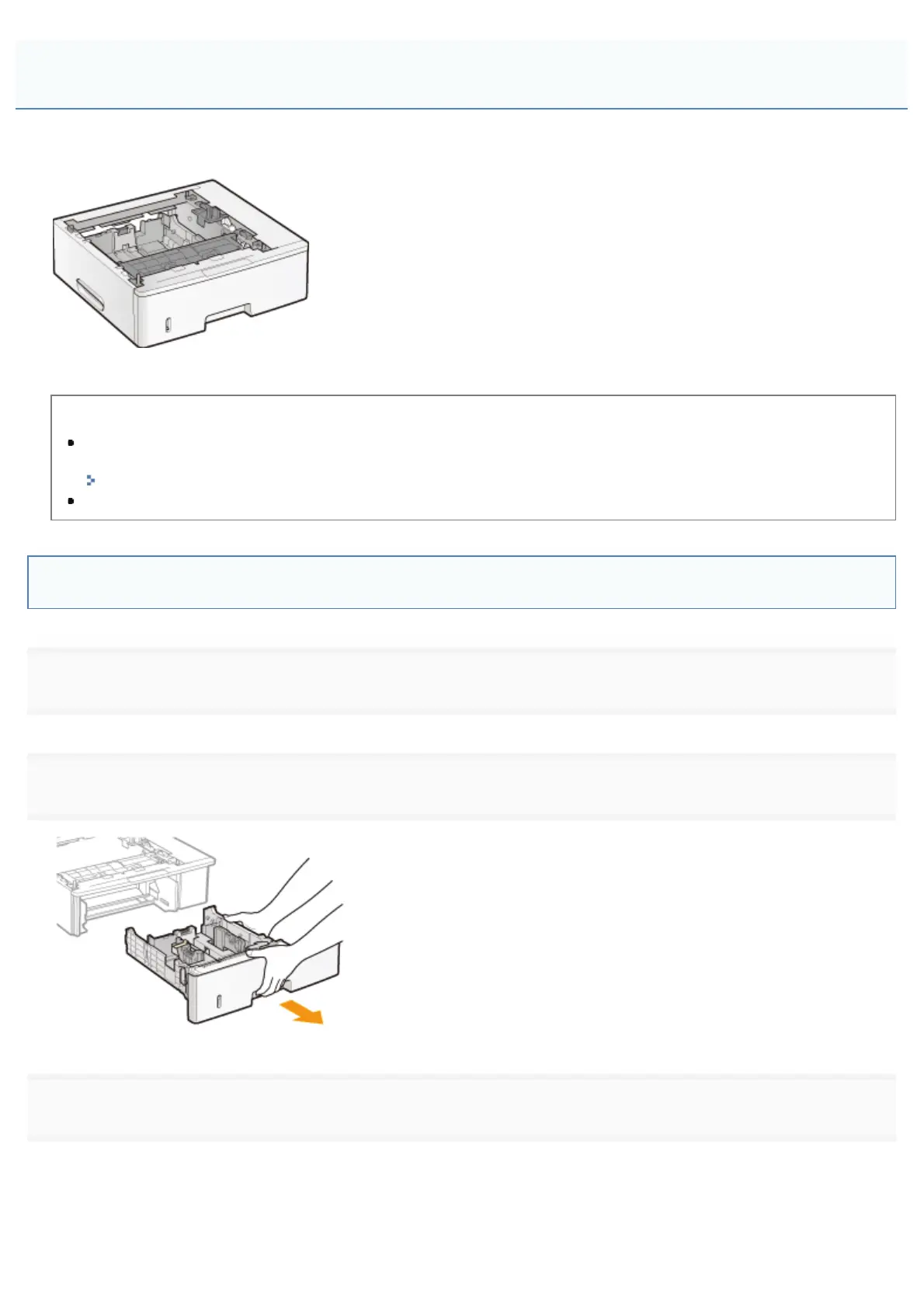
Paper Feeder Unit PF-45
<If the printer is already installed>
When installing the paper feeder in the printer after installing the printer, move the printer to an appropriate location
temporarily.
"Moving the Printer"
For details on the precautions for when installing the paper feeder, see "Attention (Printer Installation)."
Remove all the orange tape if it is attached to the paper feeder when performing the
following procedure.
1
Take the paper feeder out of the box.
2
Pull out the paper drawer of the paper feeder.
3
Remove the packing material as shown in the figure.
(1) Remove the tape, and fold the protrusions of the packing material on each side.
Installing the Paper Feeder
㻝㻜㻞㻌㻛㻌㻥㻣㻜



 To Next Page