0978-087
1
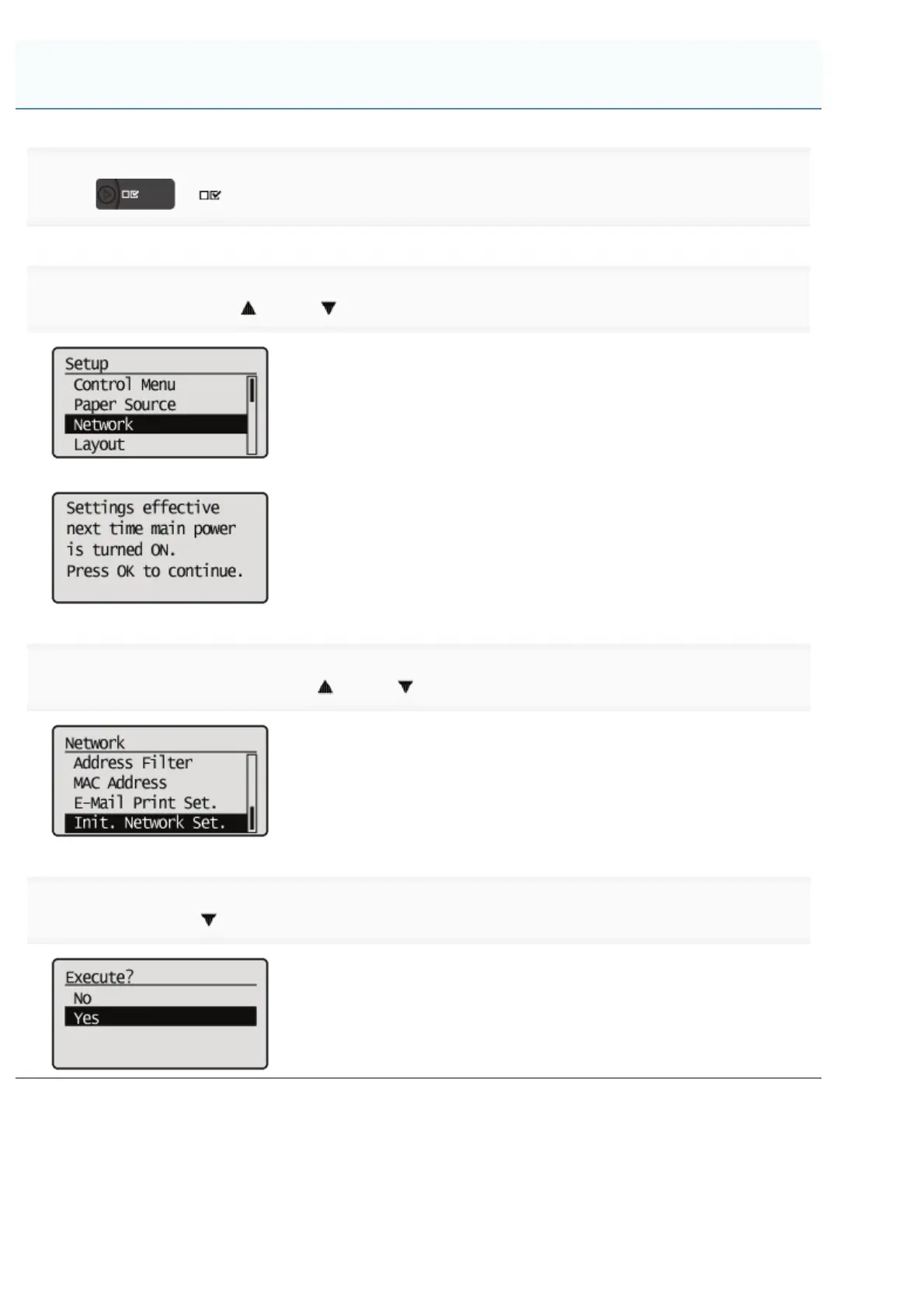
Press [ ] ( : Settings).
2
Select [Network] using [ ] and [ ], and then press [OK].
When the message is displayed, press [OK].
3
Select [Init. Network Set.] using [ ] and [ ], and then press [OK].
4
Select [Yes] using [ ], and then press [OK].
Initializing the Network Settings Using the Printer's Control Panel
㻠㻝㻝㻌㻛㻌㻥㻣㻜



 To Next Page