0978-027
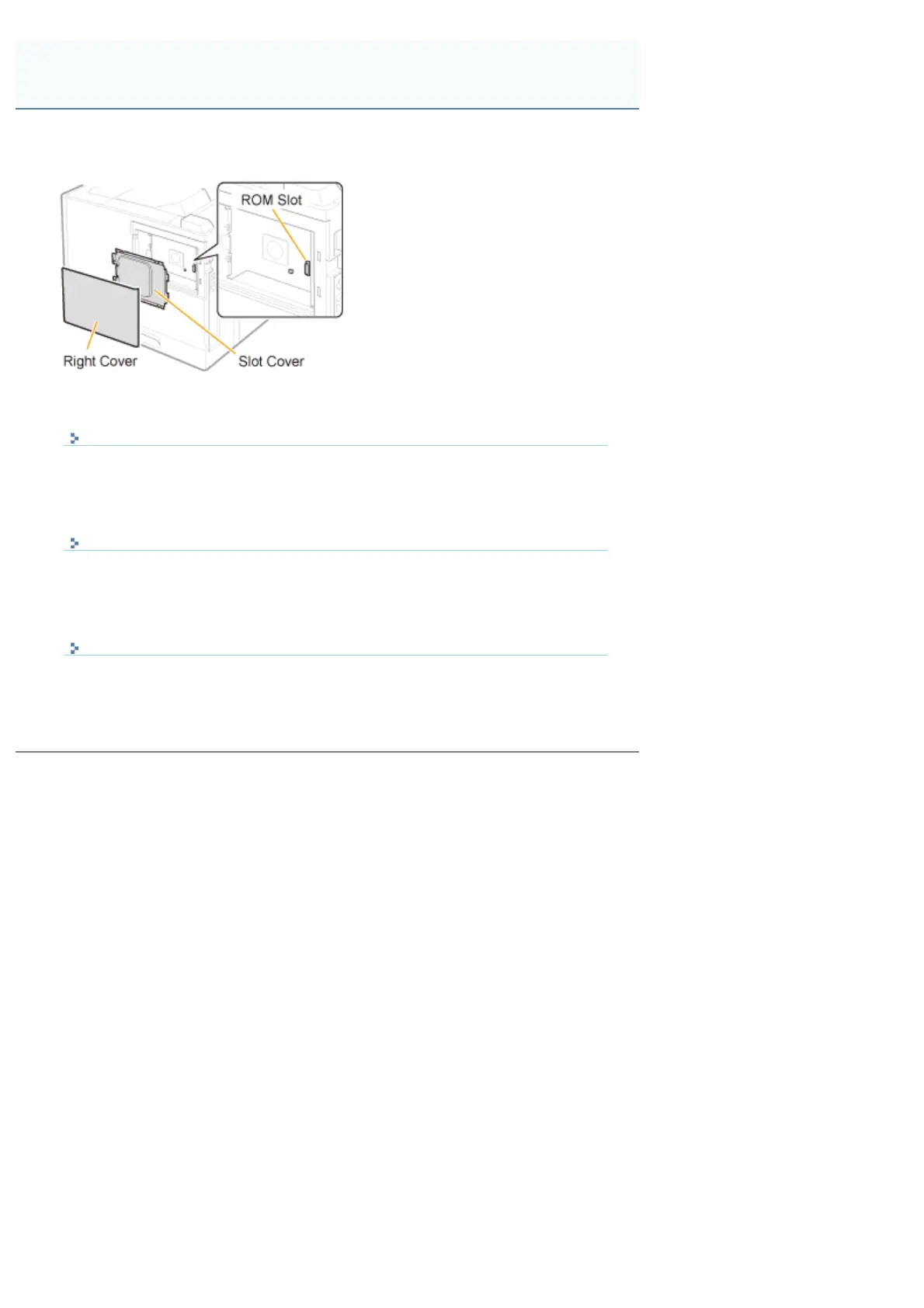
Insert the ROM in the position shown in the following figure.
After checking the position of the ROM, perform the work.
Installing ROM
It explains the procedure for inserting the ROM.
Insert the ROM correctly using the following procedure.
Checking the ROM Installation
It explains the procedure for checking whether the ROM is inserted correctly.
After inserting, perform a check using the following procedure.
Removing ROM
It explains the procedure for removing the ROM.
Use the following procedure when removing the ROM.
Installing ROM
㻝㻝㻞㻌㻛㻌㻥㻣㻜



 To Next Page