0978-06R
Before performing the setup, see "Attention (How to Specify the Settings for E-mail Print)."
You can set e-mail print settings from the printer control panel, Remote UI or FTP client.
This section describes the procedures for registering or changing the settings using a Web browser (Remote UI).
1
Start the Remote UI, and then log in as Administrator.
"Starting the Remote UI"
2
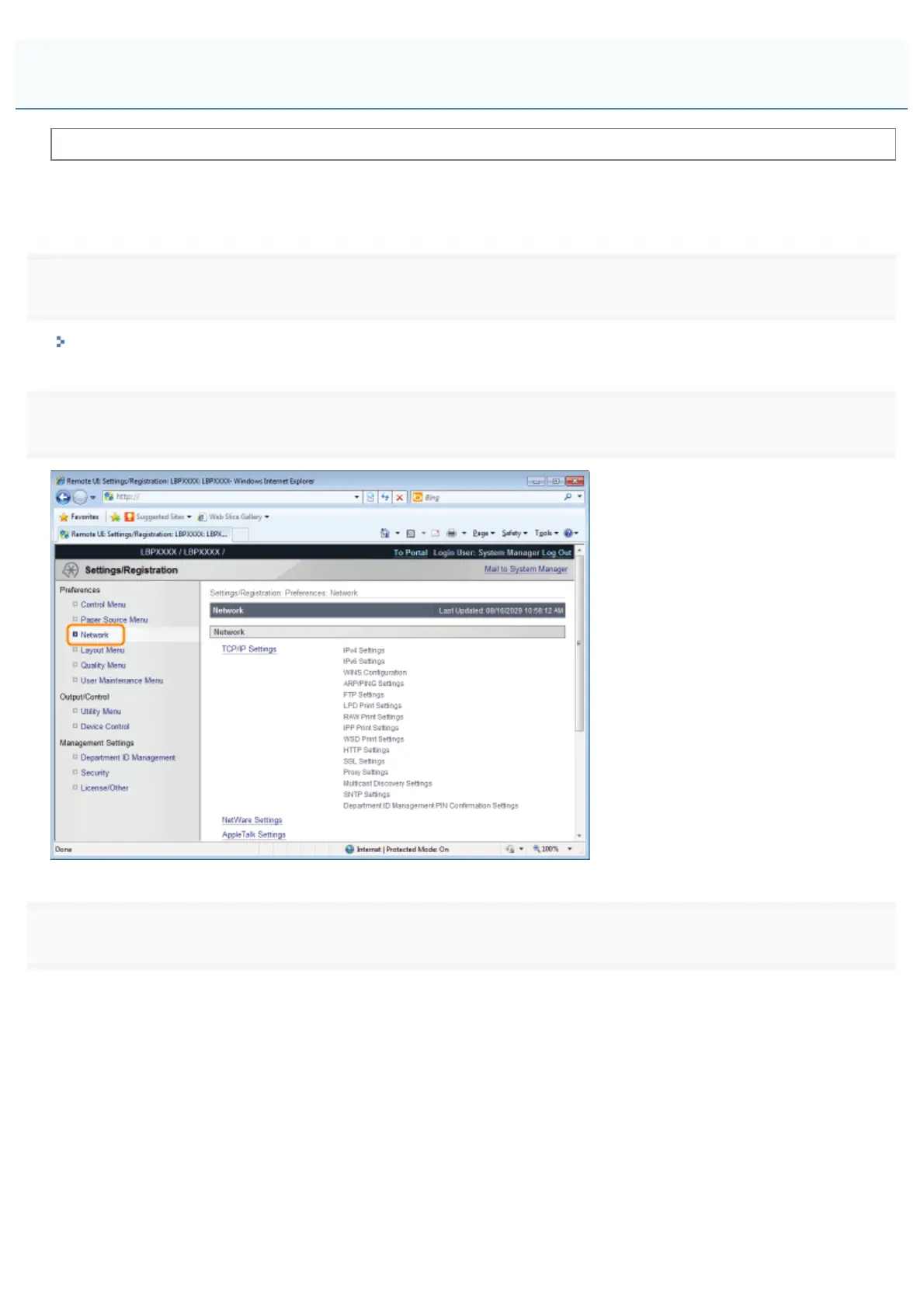
Click [Network] under [Preferences] in the [Settings/Registration] menu.
3
Click [E-Mail Print Settings].
How to Specify the Settings for E-mail Print
㻟㻜㻣㻌㻛㻌㻥㻣㻜



 To Next Page