0978-08K
This section describes the procedure for specifying the settings using the Remote UI.
In the Remote UI, you can specify the settings by accessing the printer from a Web browser via a network.
Before specifying the settings, see "Attention (Protocol Settings)."
NOTE
When specifying the settings using software other than the Remote UI
You can also specify the settings using the following software.
"FTP Client"
You can specify the settings by accessing the FTP server of the printer using Command Prompt.
"NetSpot Device Installer"
You can specify the settings using the Canon software, NetSpot Device Installer, in the supplied CD-ROM.
If you want to configure the settings such as the DNS server settings, use the Remote UI or FTP Client.
The specifiable options vary depending on the software. See "Network Setting Items" and use software
appropriate to the network environment you are using or options that you want to specify.
1
Start the Remote UI, and then log in as Administrator.
"Starting the Remote UI"
2
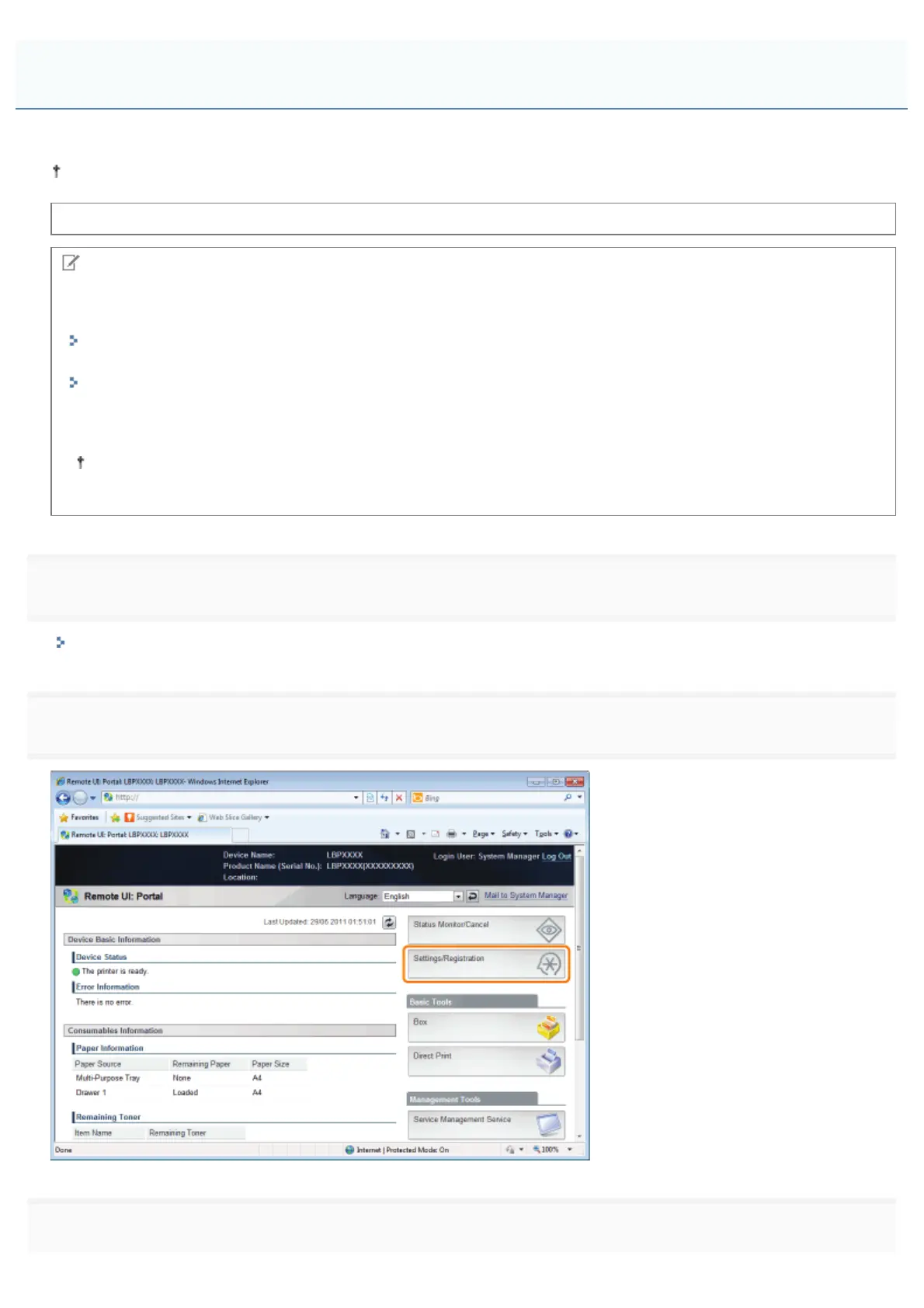
Click [Settings/Registration].
3
Select [Network] from the [Preferences] menu.
Configuring the Protocol Settings
㻠㻞㻣㻌㻛㻌㻥㻣㻜



 To Next Page