0978-0K9
Referring to the procedure on the display, follow the steps below to remove jammed paper.
1
Press [ ].
2
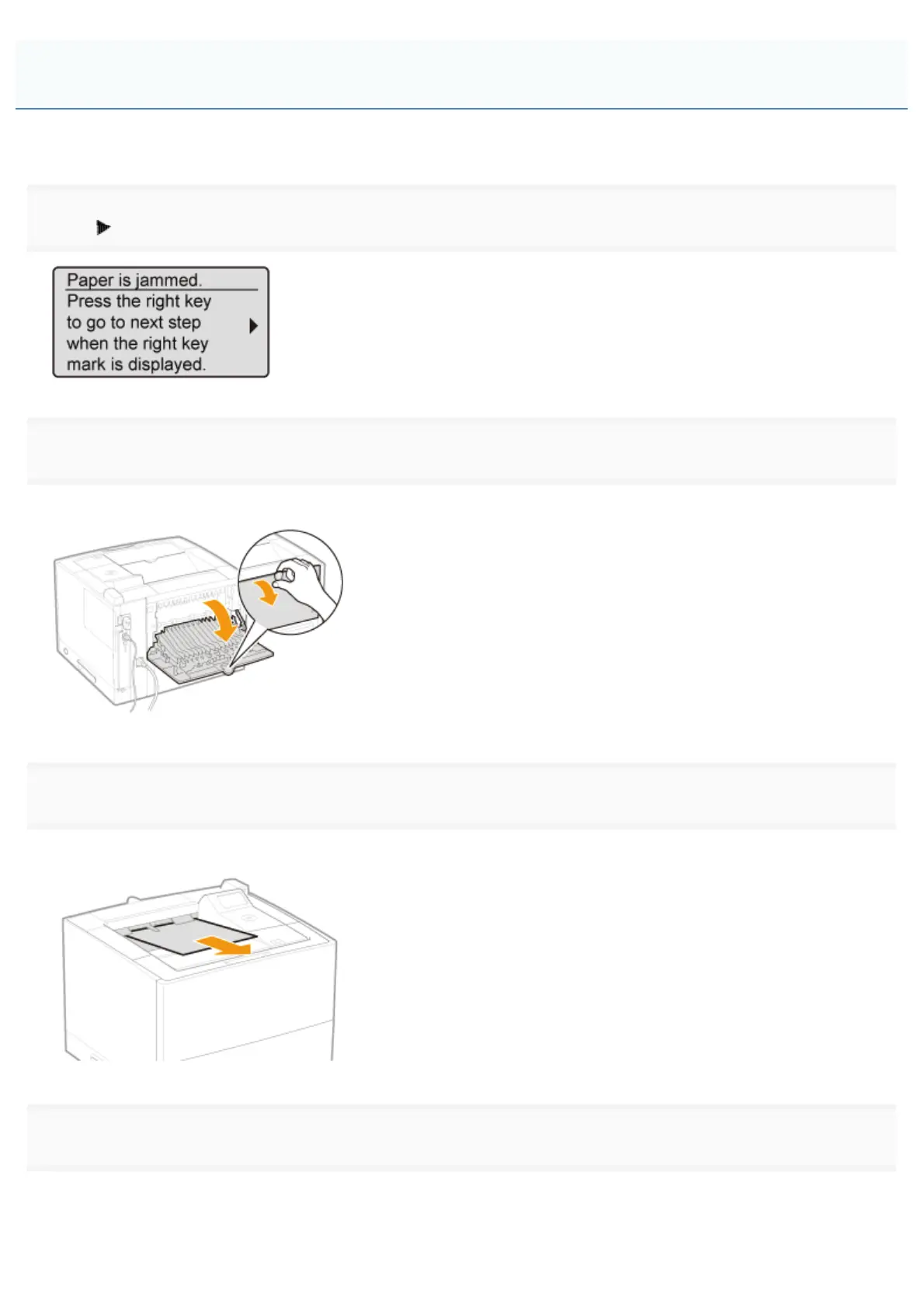
Open the sub-output tray.
Open it completely as shown in the figure.
3
Remove the paper by pulling it in the direction of arrow.
If you cannot remove the paper easily, do not try to remove it forcefully but proceed to Step 4.
4
Remove the paper by pulling it gently.
If you cannot remove the paper easily, do not try to remove it forcefully but proceed to Step 5 and perform the clearing
procedure for another area which is displayed in the message.
Clearing Paper Jams (Inside the Output Area)
㻤㻣㻣㻌㻛㻌㻥㻣㻜



 To Next Page