0978-09H
Configure the Macintosh network settings.
1
Select [System Preferences] from the Apple menu.
2
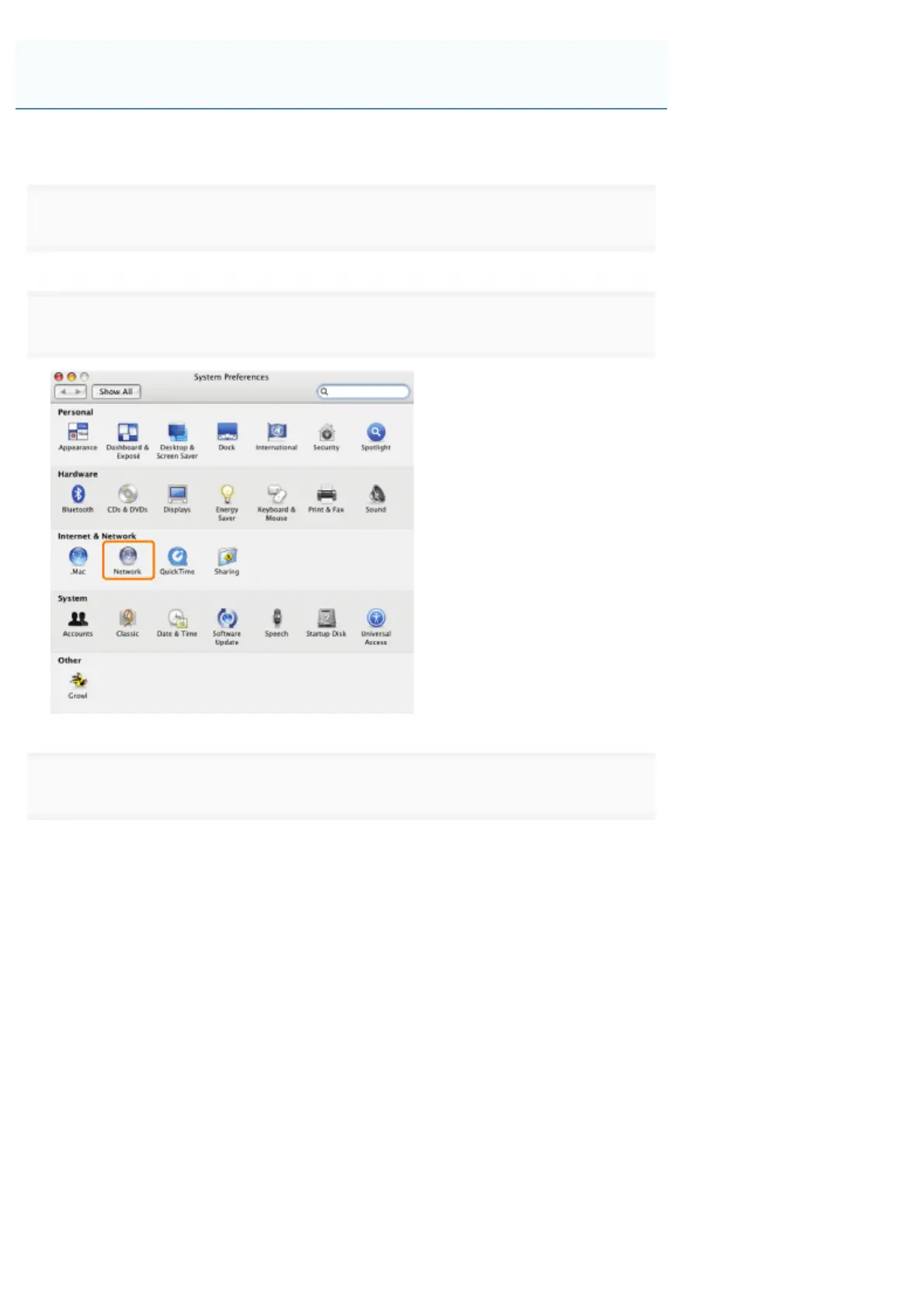
Click [Network].
3
Check the settings for the network port.
(1) Select [Network Port Configurations] from [Show].
(2) Make sure that the [Built-in Ethernet] check box is selected.
(If the check box is not selected, select it.)
Macintosh Network Settings
㻡㻝㻝㻌㻛㻌㻥㻣㻜



 To Next Page