0978-01W
If the printed paper has smudge marks, clean the fixing roller using the following procedure.
A4 or Letter plain paper is required to clean the fixing roller. Have A4 or Letter plain paper ready.
1
Load A4 size plain paper in the multi-purpose tray.
"Loading Paper in the Multi-purpose Tray"
2
Make sure that the printer is online.
If the printer is not online, press [
] ( : Online).
3
Press [ ] ( : Utility).
4
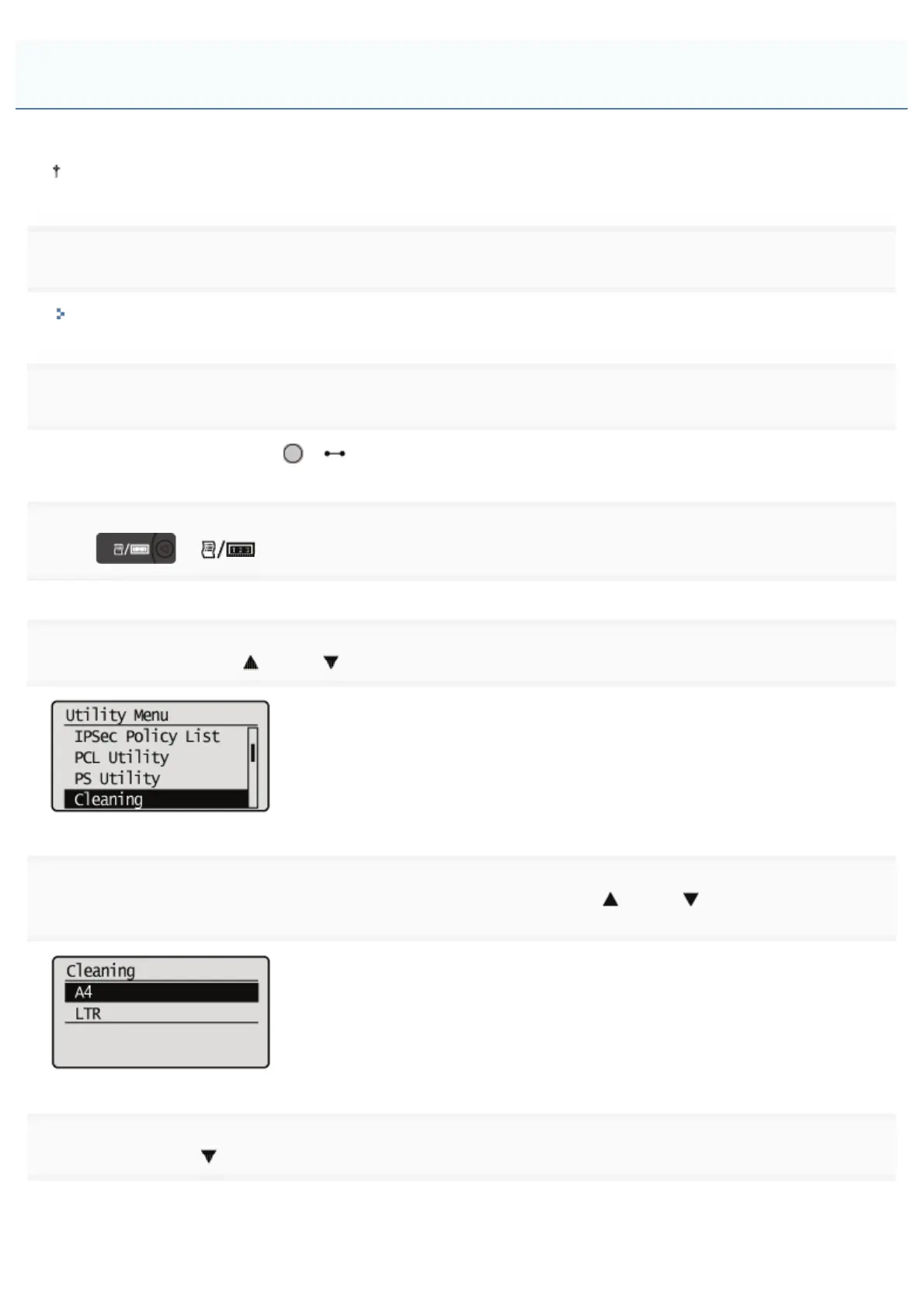
Select [Cleaning] using [ ] and [ ], and then press [OK].
5
Select the size of the paper loaded in the multi-purpose tray using [ ] and [ ], and then press
[OK].
6
Select [Yes] using [ ], and then press [OK].
ĺ <Insert paper to be used for cleaning.> is displayed on the display.
Cleaning the Fixing Roller of the Printer
㻤㻡㻌㻛㻌㻥㻣㻜



 To Next Page