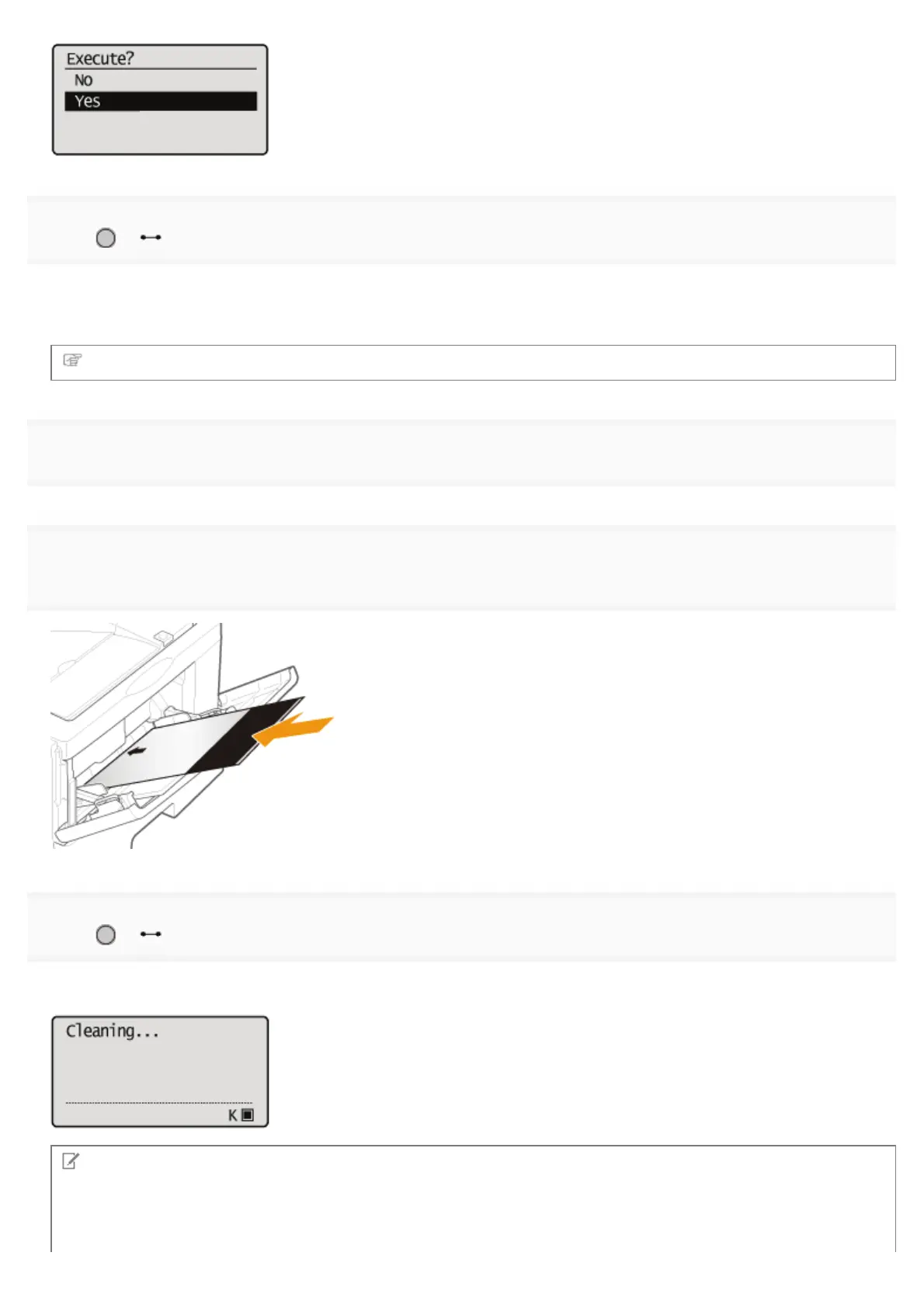
7
Press [ ] ( : Online).
ĺ The cleaning paper is printed.
ĺ <Set cleaning paper and press the Online key.> is displayed on the display.
Next, clean the fixing roller using the printed cleaning page.
8
If any paper is loaded in the multi-purpose tray, remove it.
9
Load the cleaning paper with the printed side facing up and the arrow mark going into the multi-
purpose tray first.
10
Press [ ] ( : Online).
ĺ The paper is fed into the printer slowly, and the printer starts cleaning the fixing roller.
NOTE
Cleaning time
It takes approximately 80 seconds.
㻤㻢㻌㻛㻌㻥㻣㻜



 To Next Page